activities
Wireframes
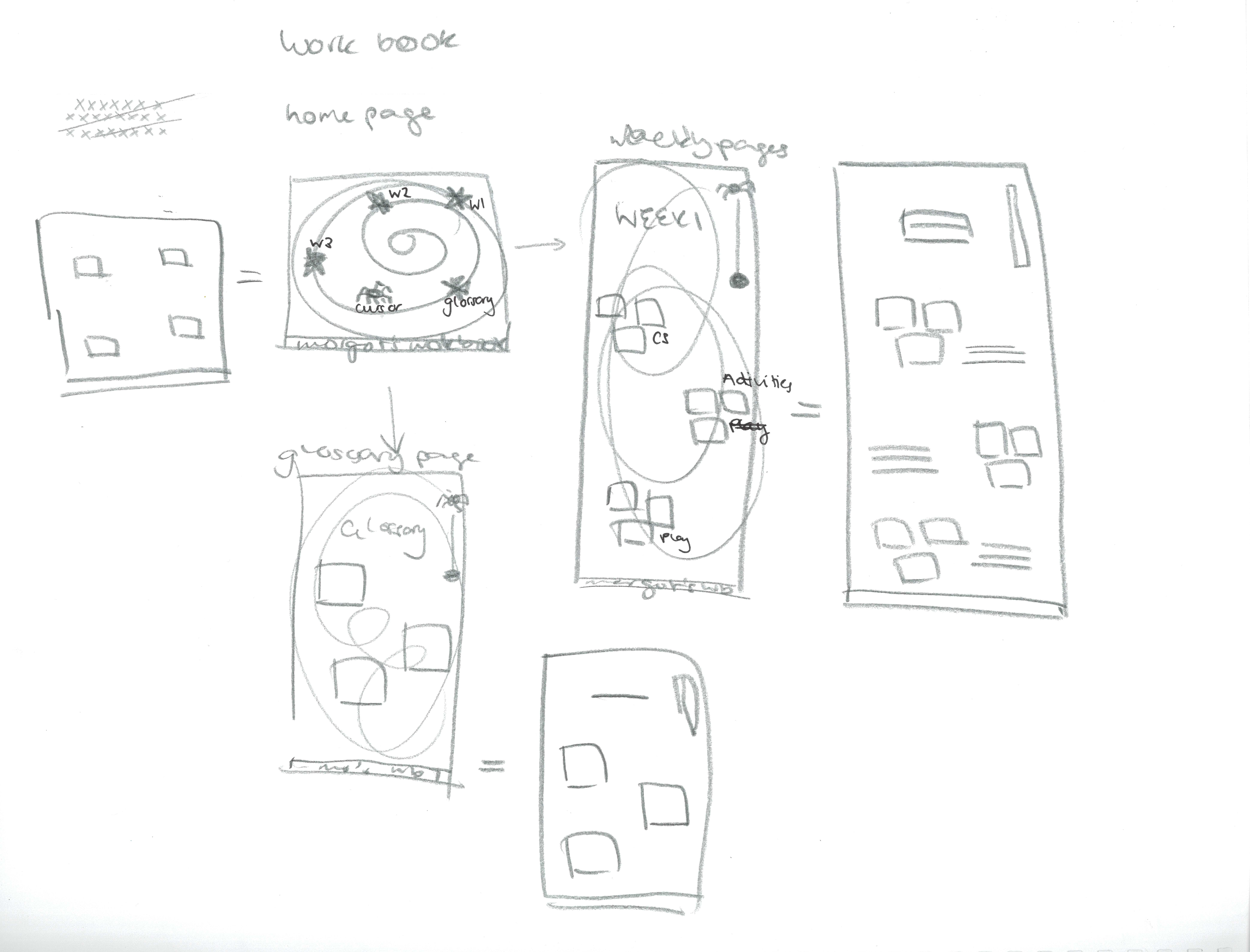
I took my rough paper prototypes and revisualised
them as a series of wireframes. These are very basic
and show the underlying structure of my workbook. They're
also pretty rough and ready - I think that I will most
likely figure out and modify the placement of my images
and text quite heavily once I begin playing in visual studio code.
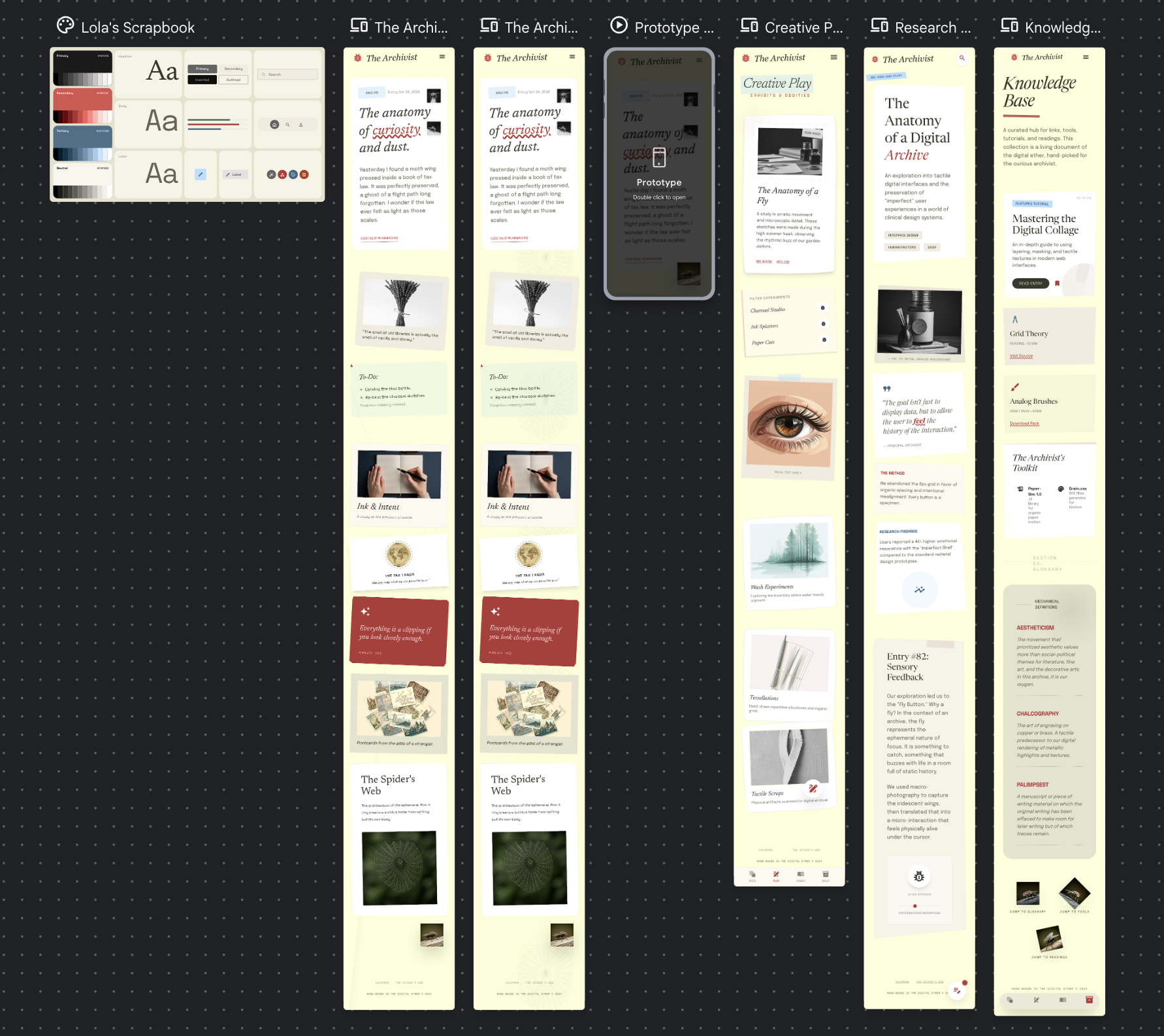
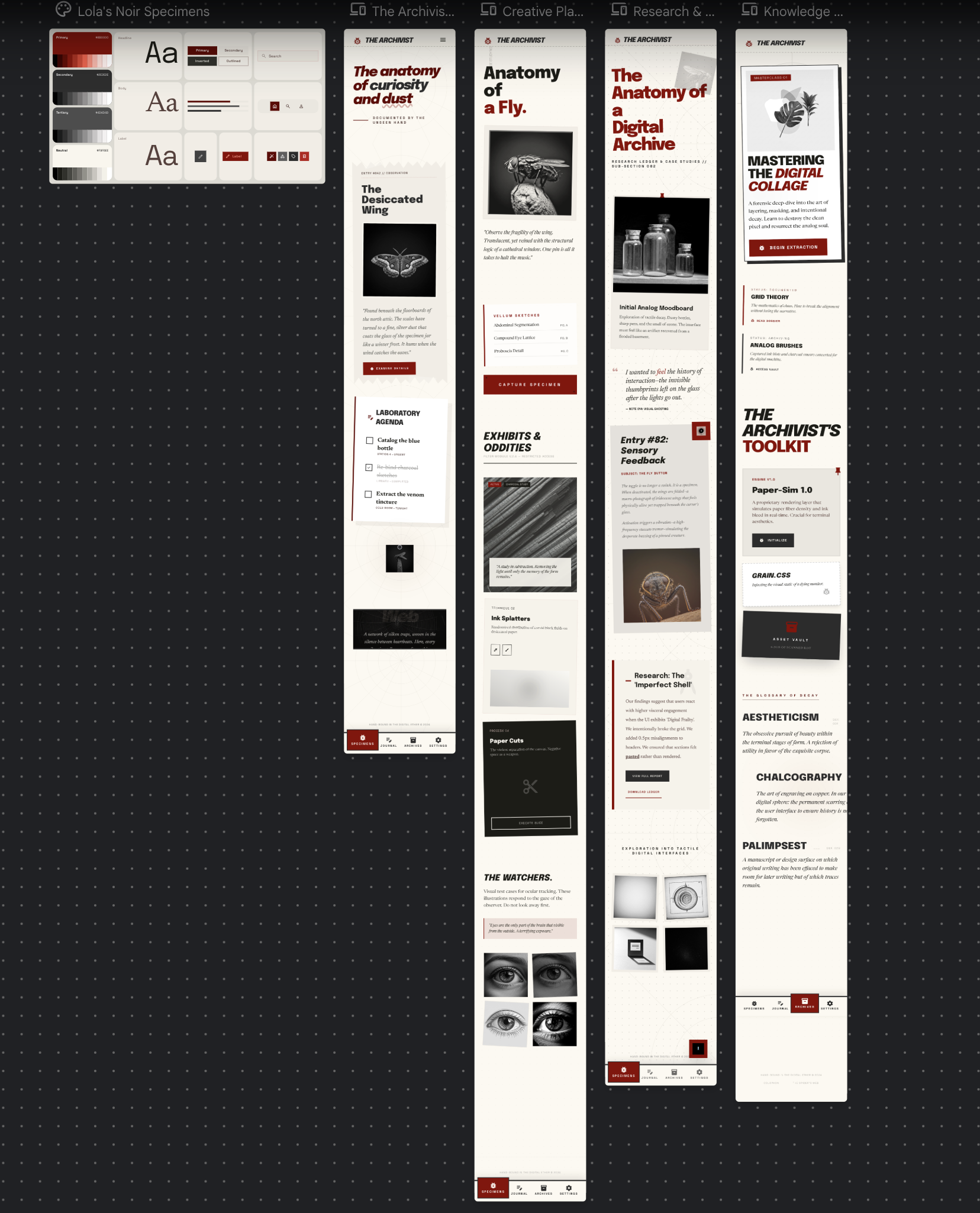
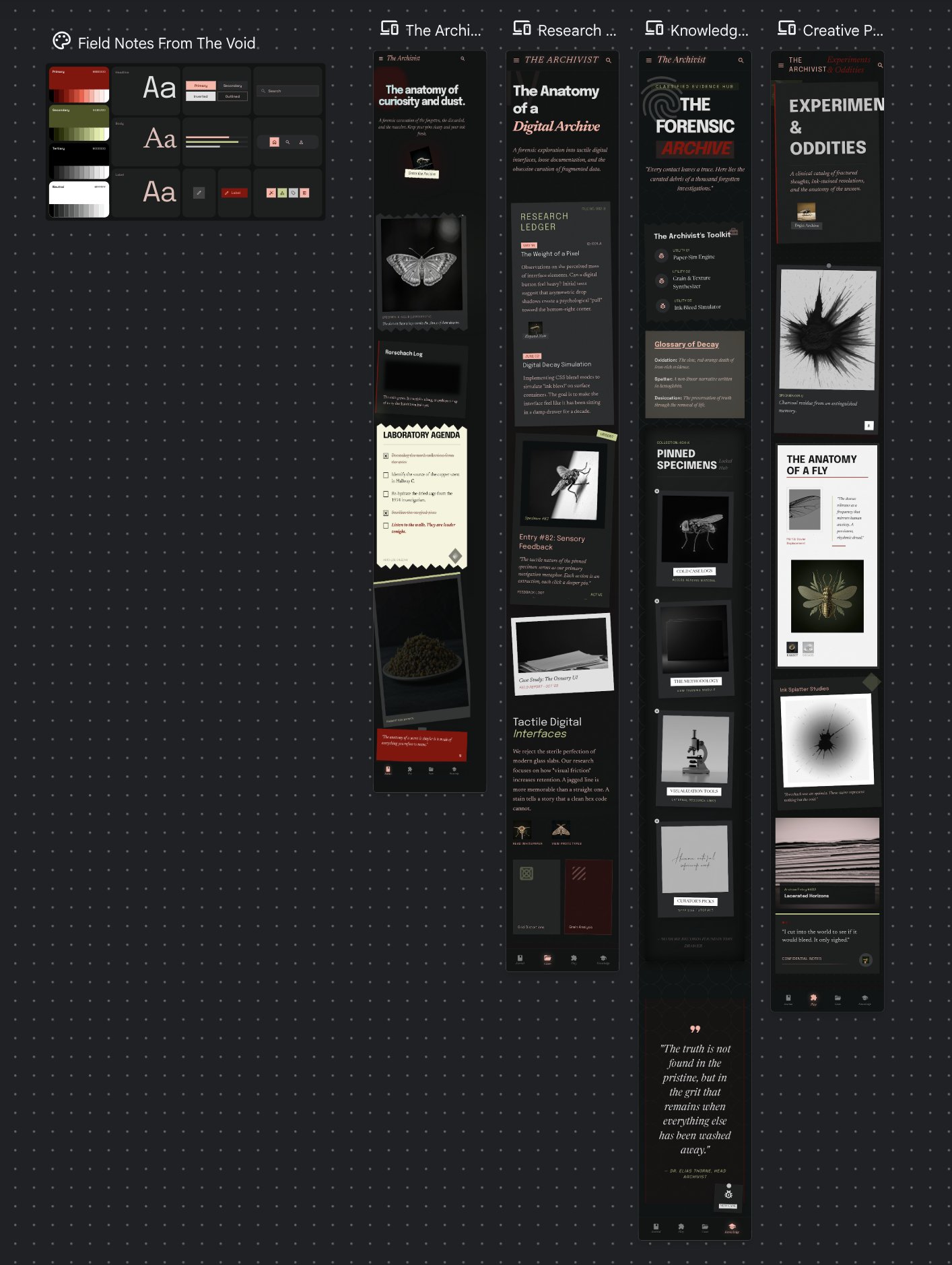
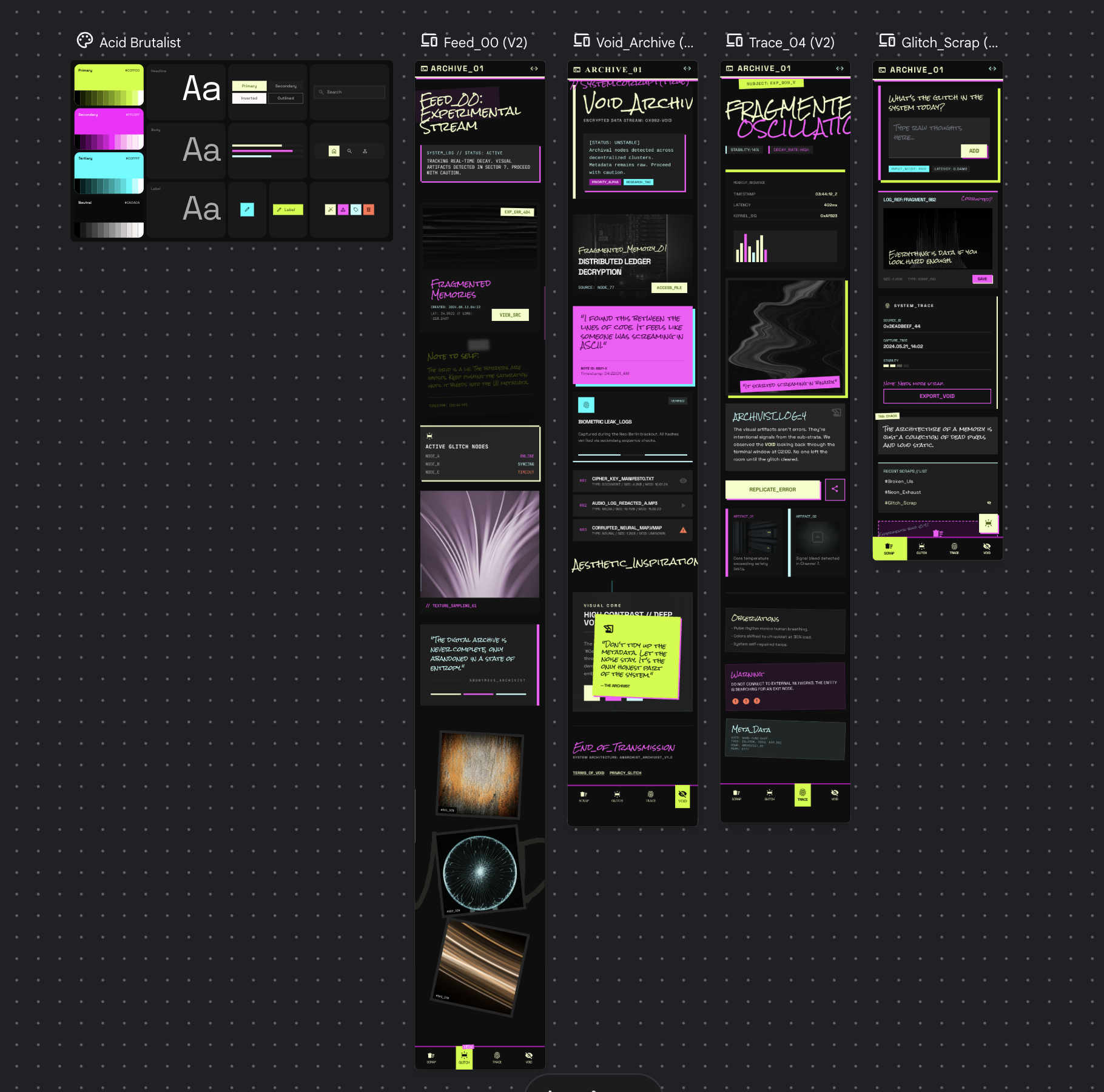
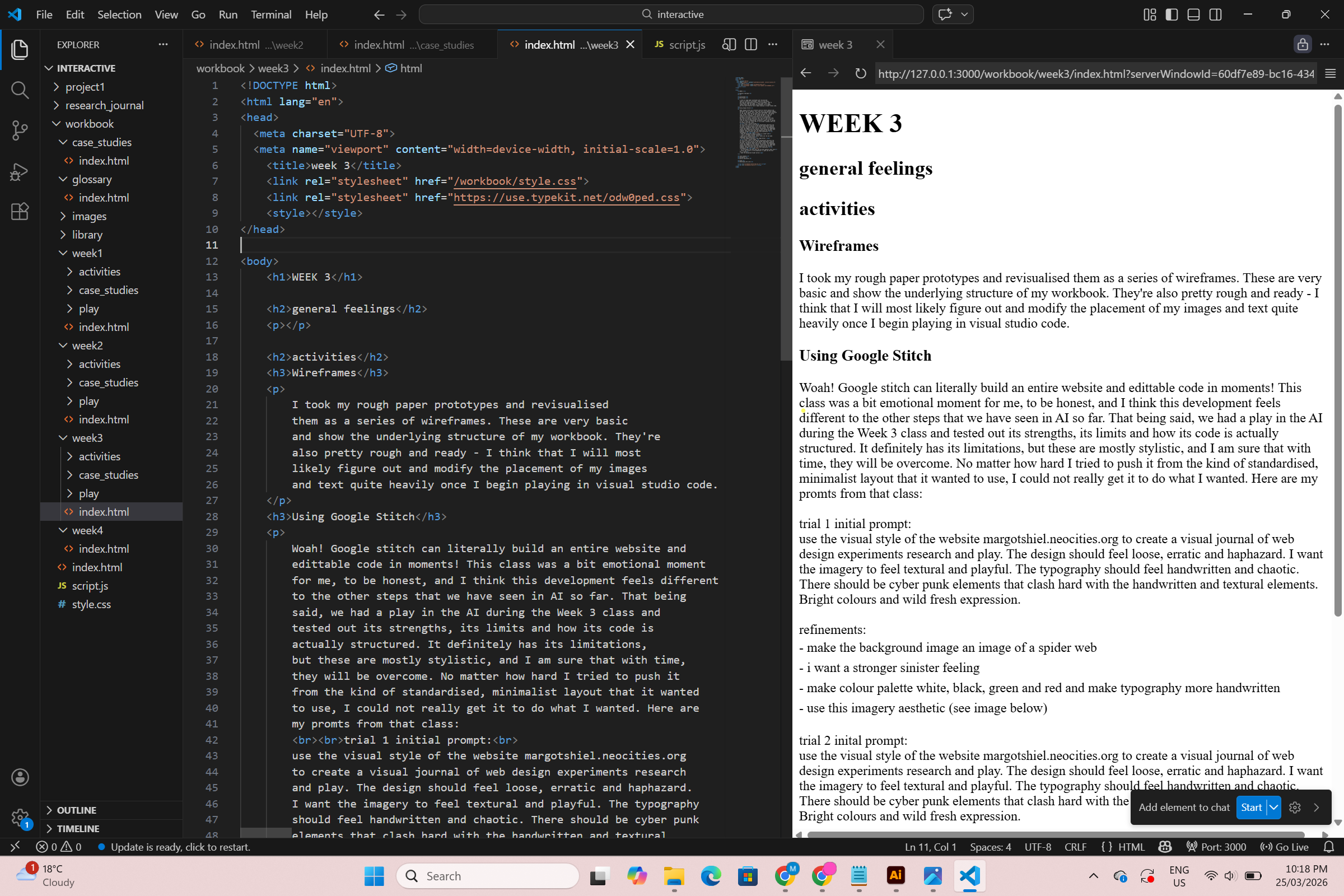
Using Google Stitch
Woah! Google stitch can literally build an entire website and
edittable code in moments! This class was a bit emotional moment
for me, to be honest, and I think this development feels different
to the other steps that we have seen in AI so far. That being
said, we had a play in the AI during the Week 3 class and
tested out its strengths, its limits and how its code is
actually structured. It definitely has its limitations,
but these are mostly stylistic, and I am sure that with time,
they will be overcome. No matter how hard I tried to push it
from the kind of standardised, minimalist layout that it wanted
to use, I could not really get it to do what I wanted. Here are
my promts from that class:
trial 1 initial prompt:
design a visual journal website that uses the visual
aesthetic of lauren child/charlie and lola. pages should
include experimentation and play, research/case studies
and a knowledge base of links, glossary, tools, tutorials
and readings. I want it to feel loose and free. The
background of imagery should be a black spider web on
white, and links/buttons should be styled to look like
photographs of flies.
refinements:
- make the background image an image of a spider web
- i want a stronger sinister feeling
- make colour palette white, black, green and red and make
typography more handwritten
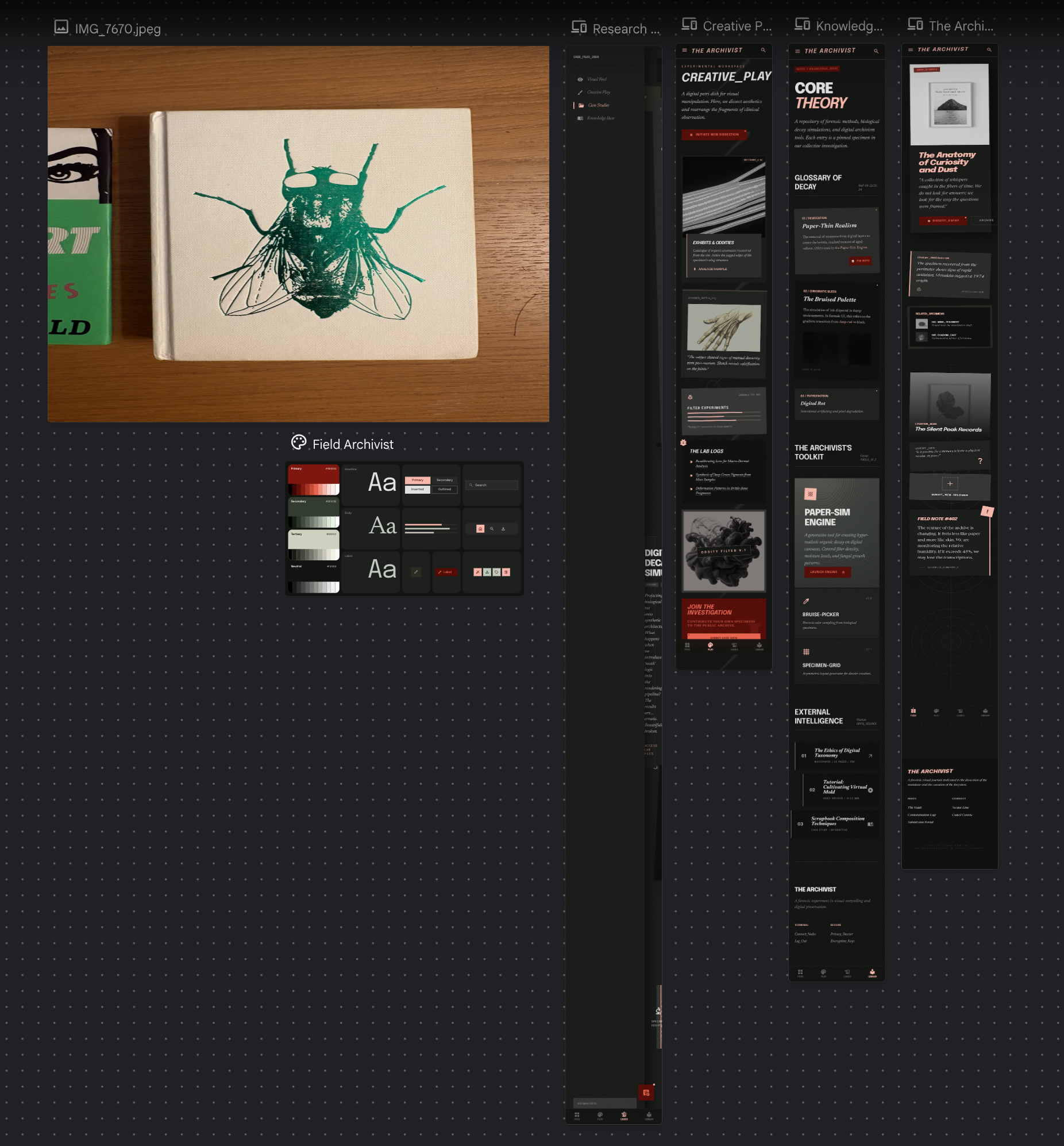
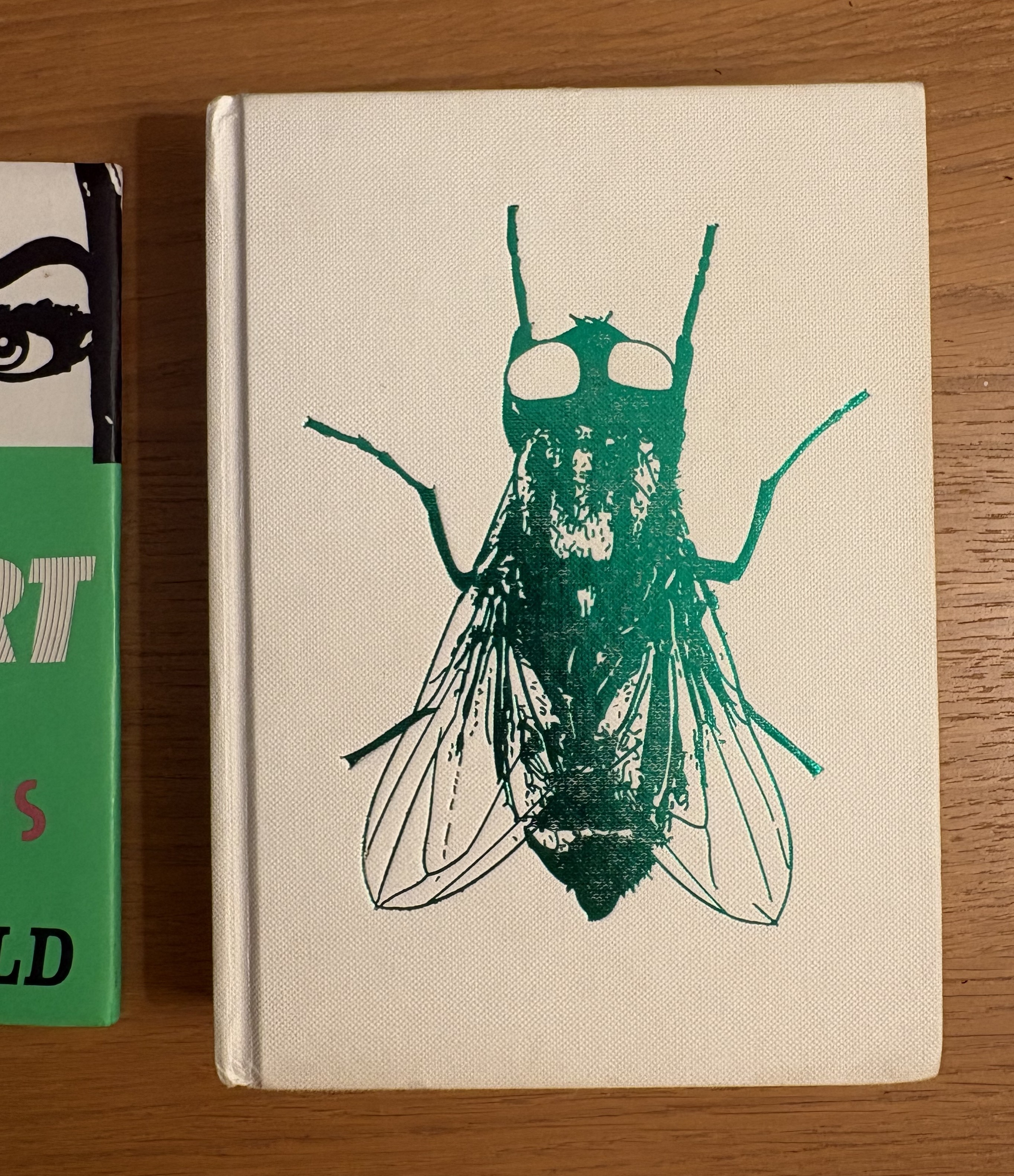
- use this imagery aesthetic (see image below)
trial 2 inital prompt:
use the visual style of the website margotshiel.neocities.org
to create a visual journal of web design experiments research
and play. The design should feel loose, erratic and haphazard.
I want the imagery to feel textural and playful. The typography
should feel handwritten and chaotic. There should be cyber punk
elements that clash hard with the handwritten and textural
elements. Bright colours and wild fresh expression.
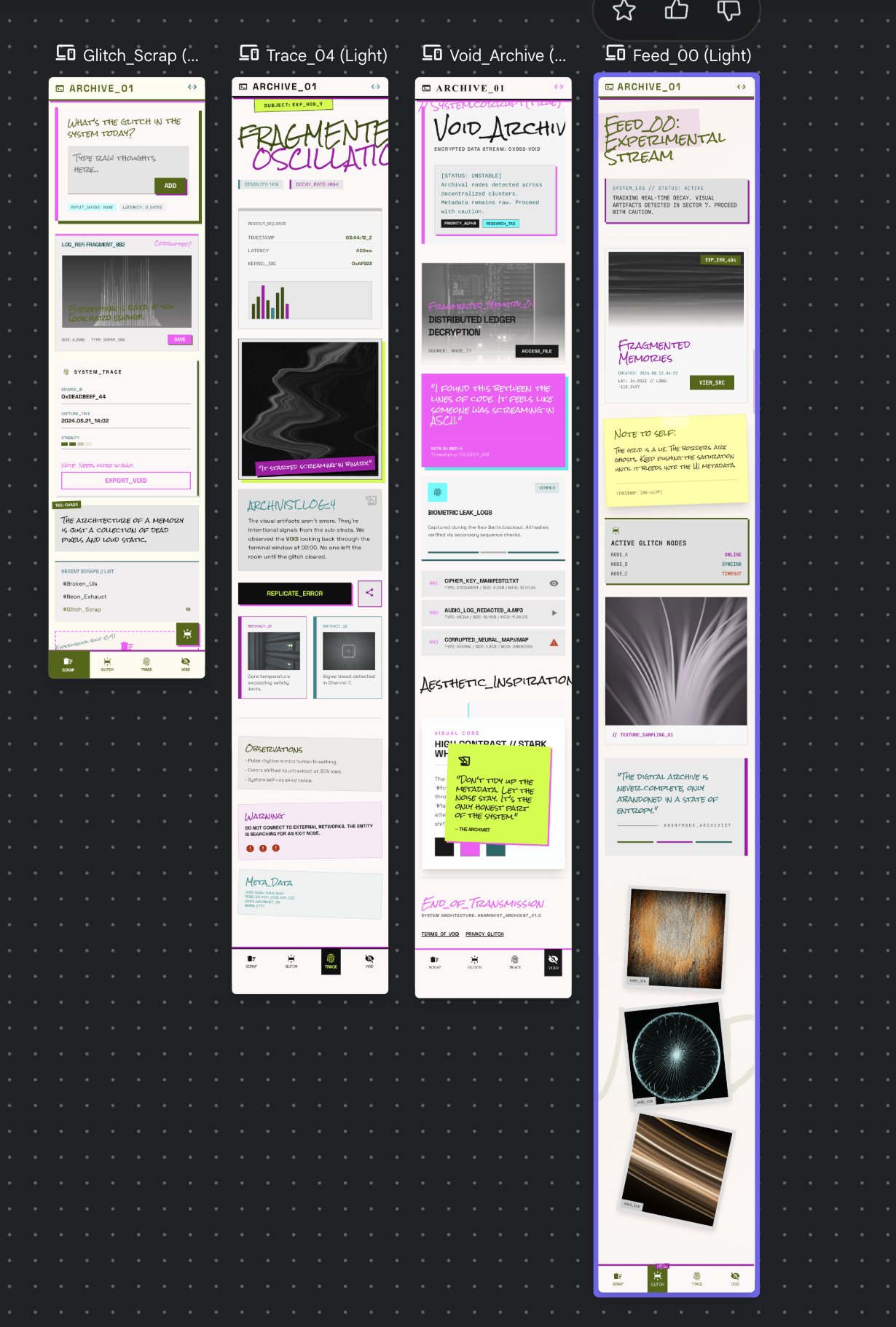
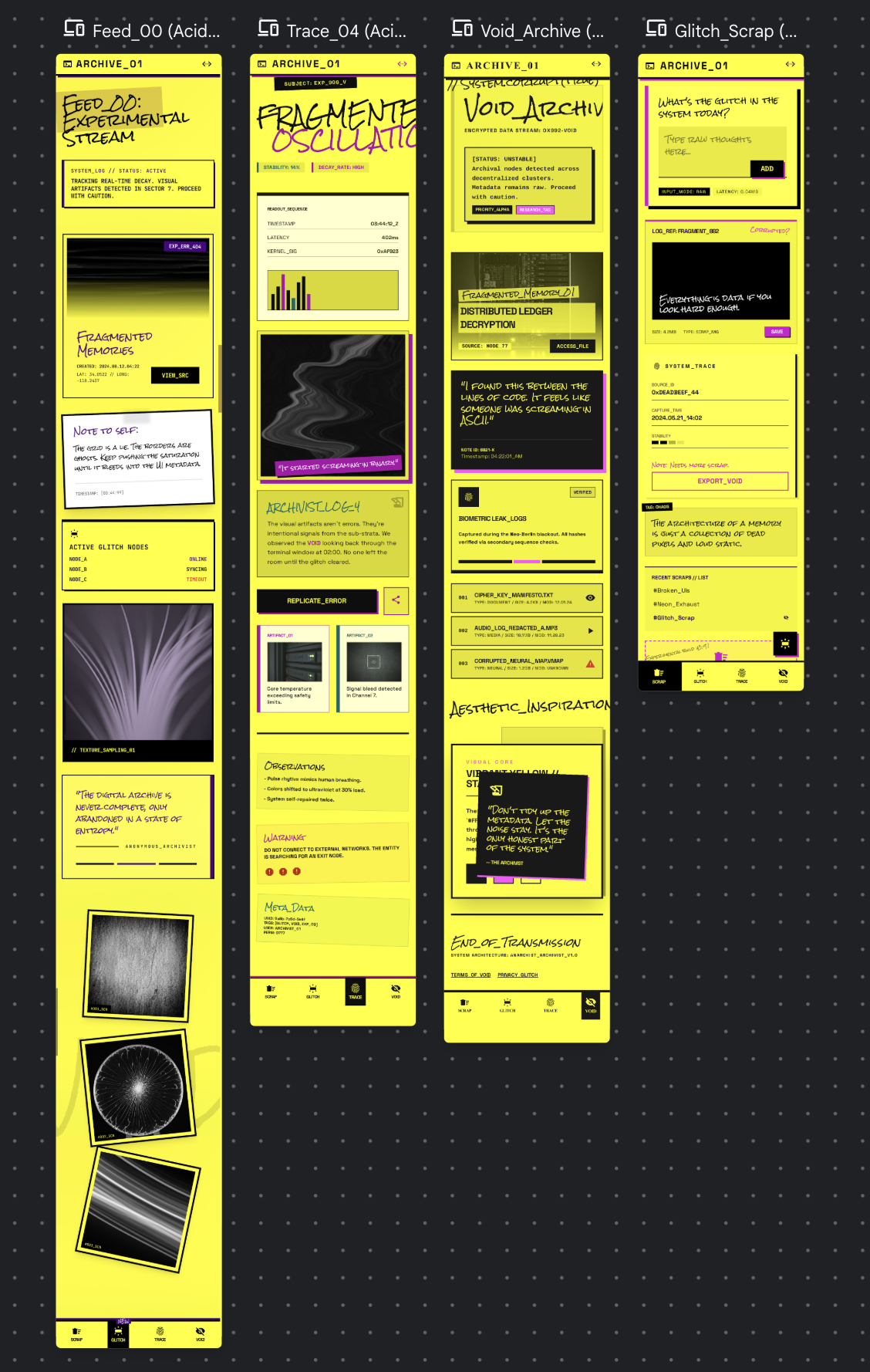
refinements:
- use the google font Rock Salt and the DJR typeface input sans
- invert the colours so the background is light and the text
etc. is dark
- make the background bright yellow
case studies
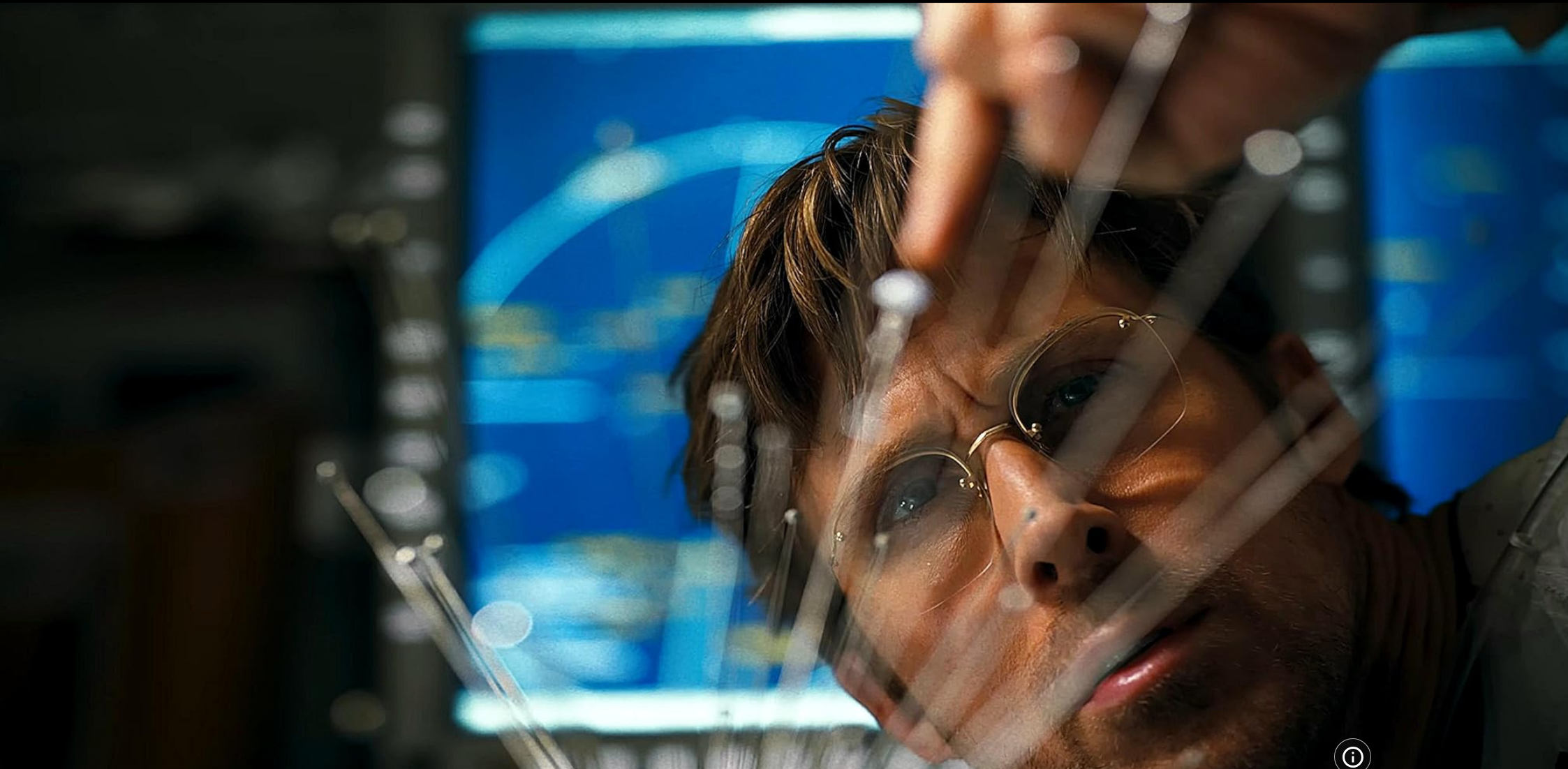
The Minority Report, 2002
The Minority Report was released in 2002, directed by
Steven Spielberg, and the IMDb log line is as follows; 'John
works with the PreCrime police which stop crimes before they
take place, with the help of three 'PreCogs' who can foresee
crimes. Events ensue when John finds himself framed for a
future murder.' Omg! What good fun! I watched this after
seeing on the list of recommended watchings and put it on one
night. I really loved it; all of the harsh cool lighting and
2000s spinning cameras.
The influence of The Matrix
was definitely clear: someone in a trace-like state lying in a
vat of goo, seeing things that may or may not be real etc. The
interfaces in the film were also pretty amazing, in particular
Tom Cruise's special glove and screen set up that allows him to
watch back the visions of the pre-cogs, and his holographic,
life-sized projections of his ex-wife and late child.
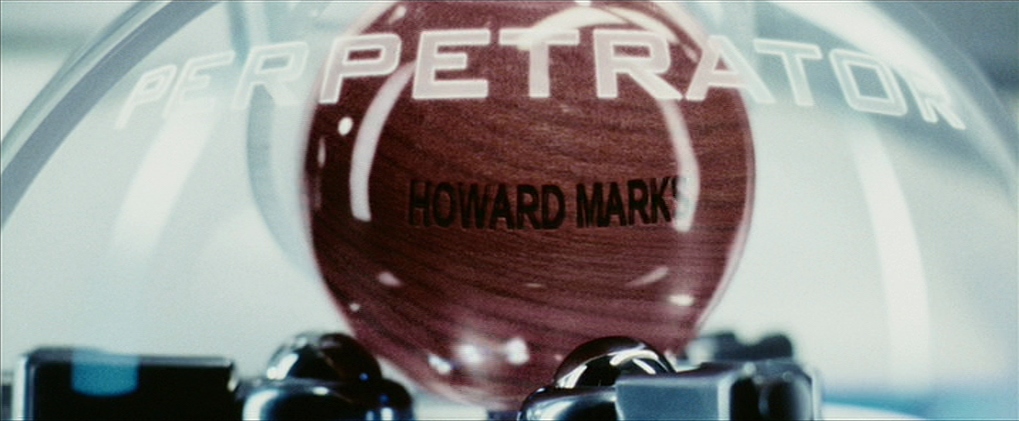
The one
thing that really struck me, though, was how we have moved so
much further away from physical media than this movie ever
guessed. We no longer use USBs and floppy disks - not even
the cool looking clear ones from the movie. And I would hazard
a guess that if this kind of technology did exist today, it
would not print out solid wooden balls with the name of the
perpetrator and victim engraved into them. I do think that our
move away from physical media is quite sad. I love my collection
of DVDs and CDs and records, and I think it's scary that people
now generally pay for subscription services rather than actually
ever owning the TV, music and movies that they are consuming.
glitch manifesto
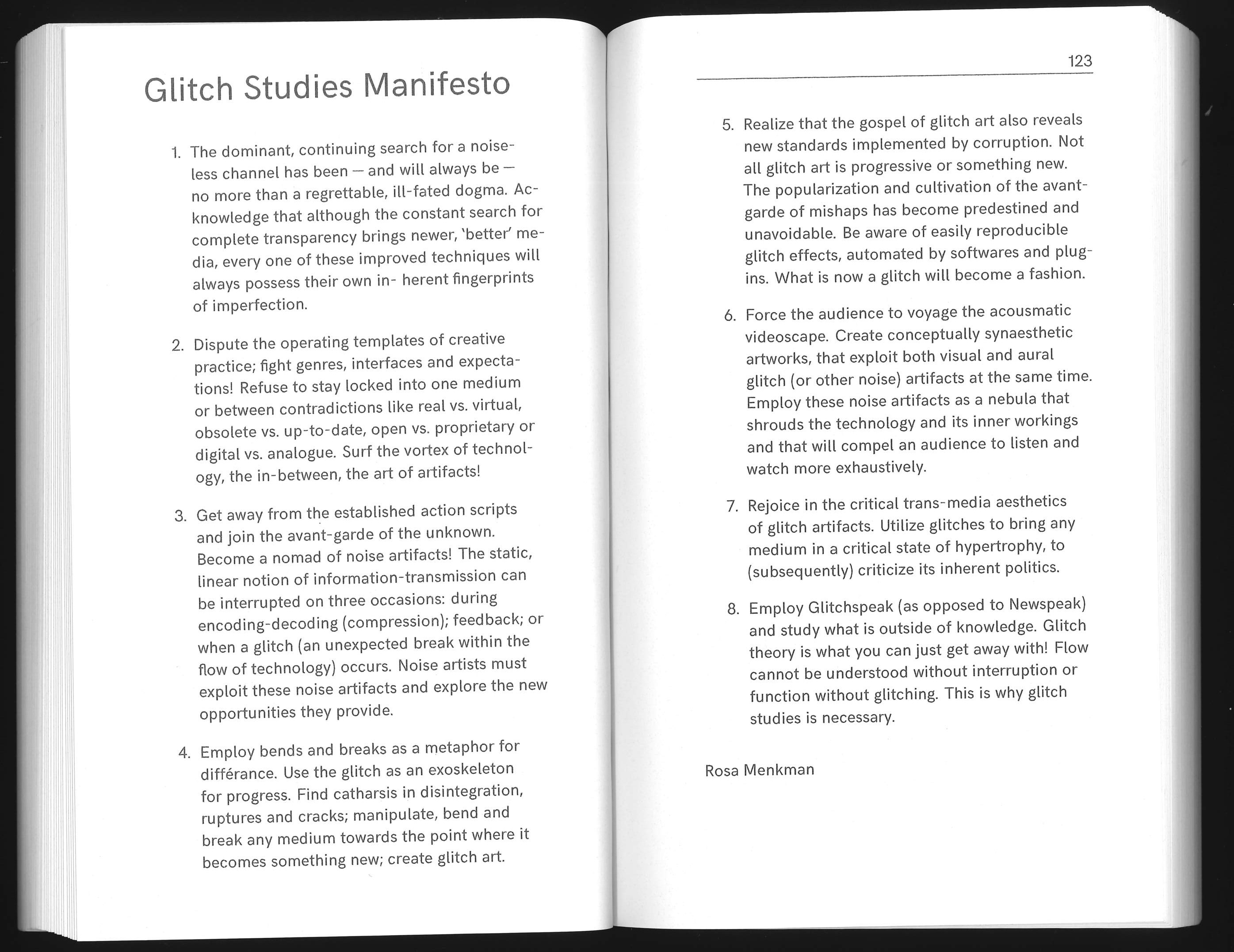
Written by Rosa Menkman in 2010, whose website,
beyond resolution, I previously looked at.
This is a manifesto of 8 principles of 'glitch art';
art that breaks and subverts expectations of how technology
is meant to function. This art lives in the 'vortext of
technology, the in-between, the art of artfacts' and
creates 'noise' and tension in our experience of the
vitrual world. Menkman asks the reader, and artists at large,
to use glitches/breaks to bring a critical eye to the inherent
politics of the way in which we consume media and use technology.
Reading this has made me understand Menkman's website
more deeply, and also to appreciate the way is makes me feel
surprised and delighted as I move through it. Everything is
unexpected. The form of the manifesto is fascinating to me,
a series of rules or dogma like this is always written to be
broken, I think especially, in the case of a manifesto which
is explicitly instructing the artist to break and change things.
It also functions, I'm sure, as a guiding light for Menkman
herself, to revisit in moments of blockage and confusion.
There is something so elegant and calming about a set of
strong written rules.
Further, the layout and
treatment of the manifesto itself is a manifestation of the
principles that she has laid out. For example, on pages 5 and
9, the typography itself seems to glitch, making the reader
work a little bit harder to understand her meaning. Additionally,
the typography as a whole is antithetical to what has traditionally
been labelled 'good' typesetting. There are strange gaps where
text has been set to justify, the tracking and kerning are
inconsistent and words appear in bold or repeatedly layered
almost at random. But none of this is random. All of these
design choices ask the reader to work a little harder, to give
a little more of themself. And they serve to turn the pages
themselves into pieces of lyrical art.
Memento, 2000
I am including a case study on the movie Memento,
not because of any depictions of interfaces, necessarily,
but because of it's transformation of the body itself into
a tool of memory and information storage. Directed by
Christopher Nolan and released in 2000, the IMDB log line
for the film is as follows; 'A former insurance investigator
who now suffers from anterograde amnesia uses notes and
tattoos to hunt down his wife's murderer.' The story is
told using two simultaneous timelines - one running backwards
and the other forwards, so that the film ends with the
climactic middle of the story. I think the experience of
watching the movie, and attempting to figure out what is
actually happening, is a feeling of effort that could be
cool to inspire in my audience. Like the glitch manifesto
suggests, I want to make my art work hard and for my
audience to work just as hard, in these strange pockets
of unknowing and breaking.
One of the most
arresting visuals of the film is when Guy Pearce's
Leonard takes off his shirt to reveal a patchwork of
beautiful tattoos with horrific messages. Here the body
is a storage device for Leonard's memories. This is so
different from how we interact with our memories now
(either as social media feeds or camera rolls), and it
feels visceral and dangerous and demands your attention.
This is definitely a reimagining of an interface/interaction,
like the activity we did in week one with the spoon. Here the
function (input and output) of the body as an artefact is
totally transformed.

Project Hail Mary, 2026
Released in 2026, directed by Phil Loyd and Christopher Miller,
the IMDb log line for Project Hail Mary is as follows;
'Science teacher Ryland Grace wakes up alone on a spaceship
light-years from Earth. As his memory returns, he uncovers
a mission to stop a mysterious substance killing the sun,
and save Earth. An unexpected friendship may be the key.'
I saw this in the cinemas just this week and thought I would
note it down because the protagonist Grace is seen coding in
it! He is able to create a translator that allows his to
communicate with a rock-like alien.
Additionally,
the rock-alien's own form of communication was interesting
to me, in terms of interactivity and interfaces. This
creature communicates, in part, through a series of markings
on his body, and through the creation of sound in what can
only be described as body percussion. He cannot see but uses
echo location - this got me thinking about texture, braille,
high contrast imagery and other forms of accessibility that
I could explore. The film also features infographic designs
that are aimed at explaining the Earth and humans. Flat
pictoral diagrams of the Earth's location in the universe
are compared with the rock creature's three dimensional
map to his home planet. I just thought that overall this
was a really interesting look at the assumptions we make
when we communicate and how these forms of communication
can limit or exclude us from the possibility of learning
from others.
play
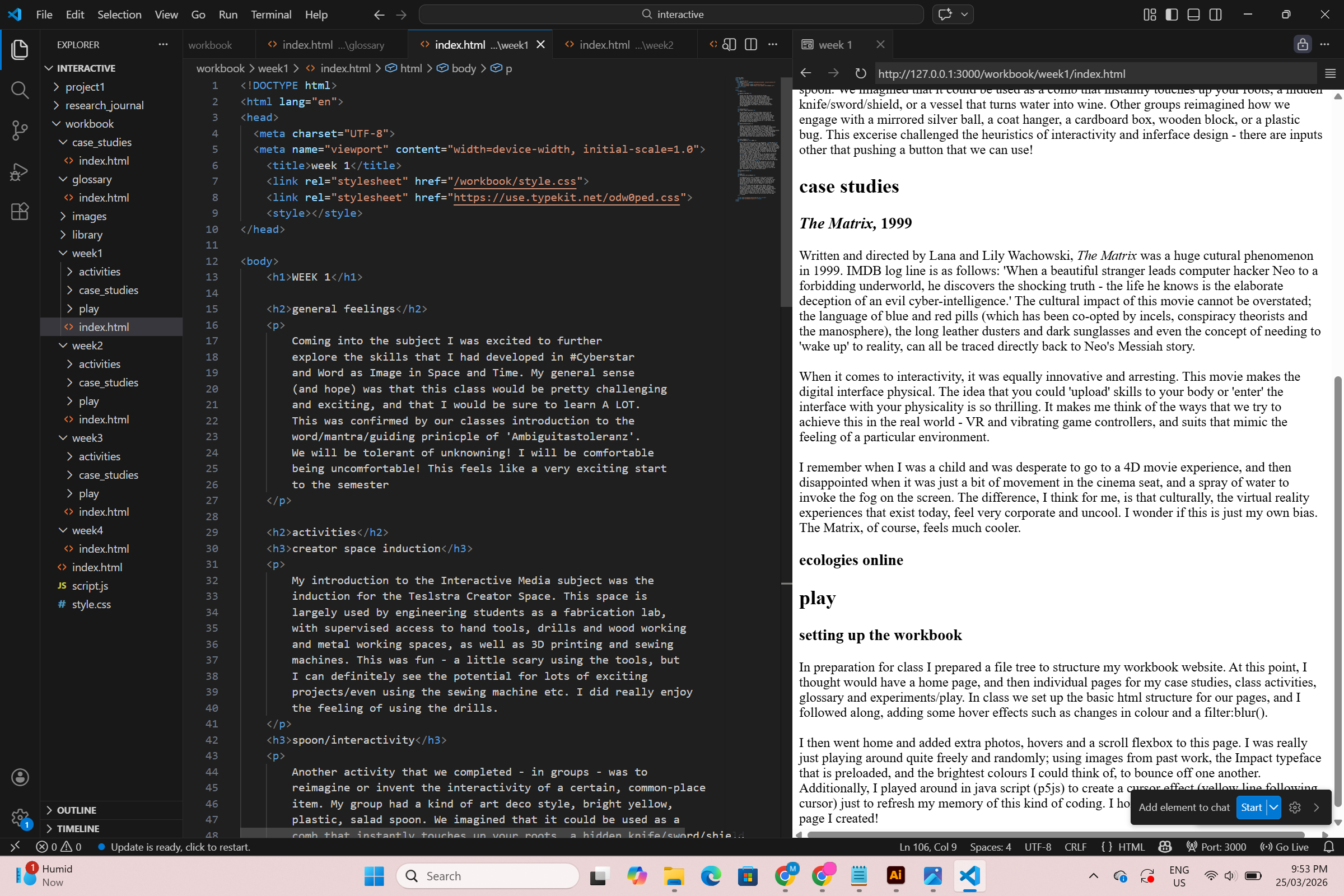
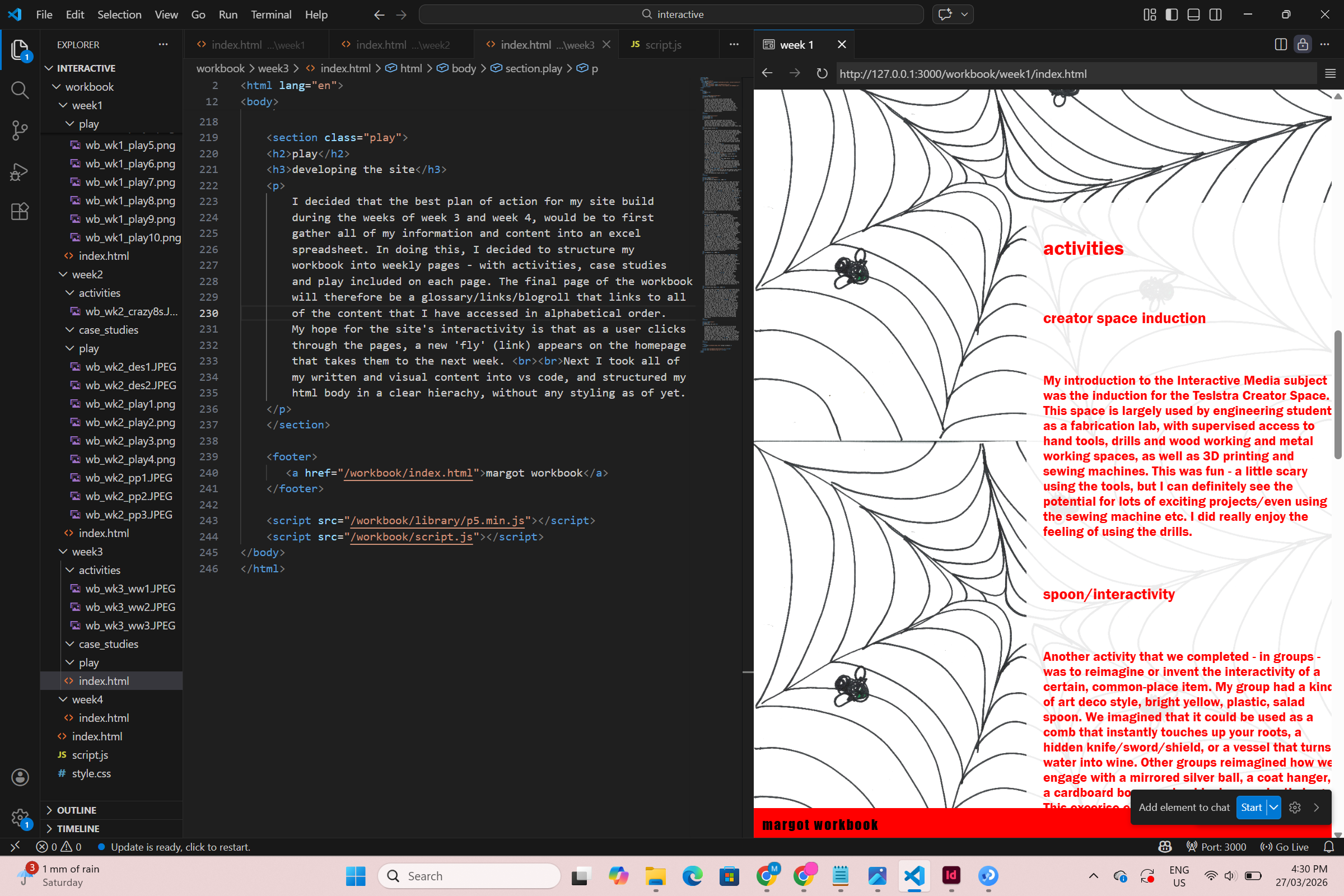
developing the site
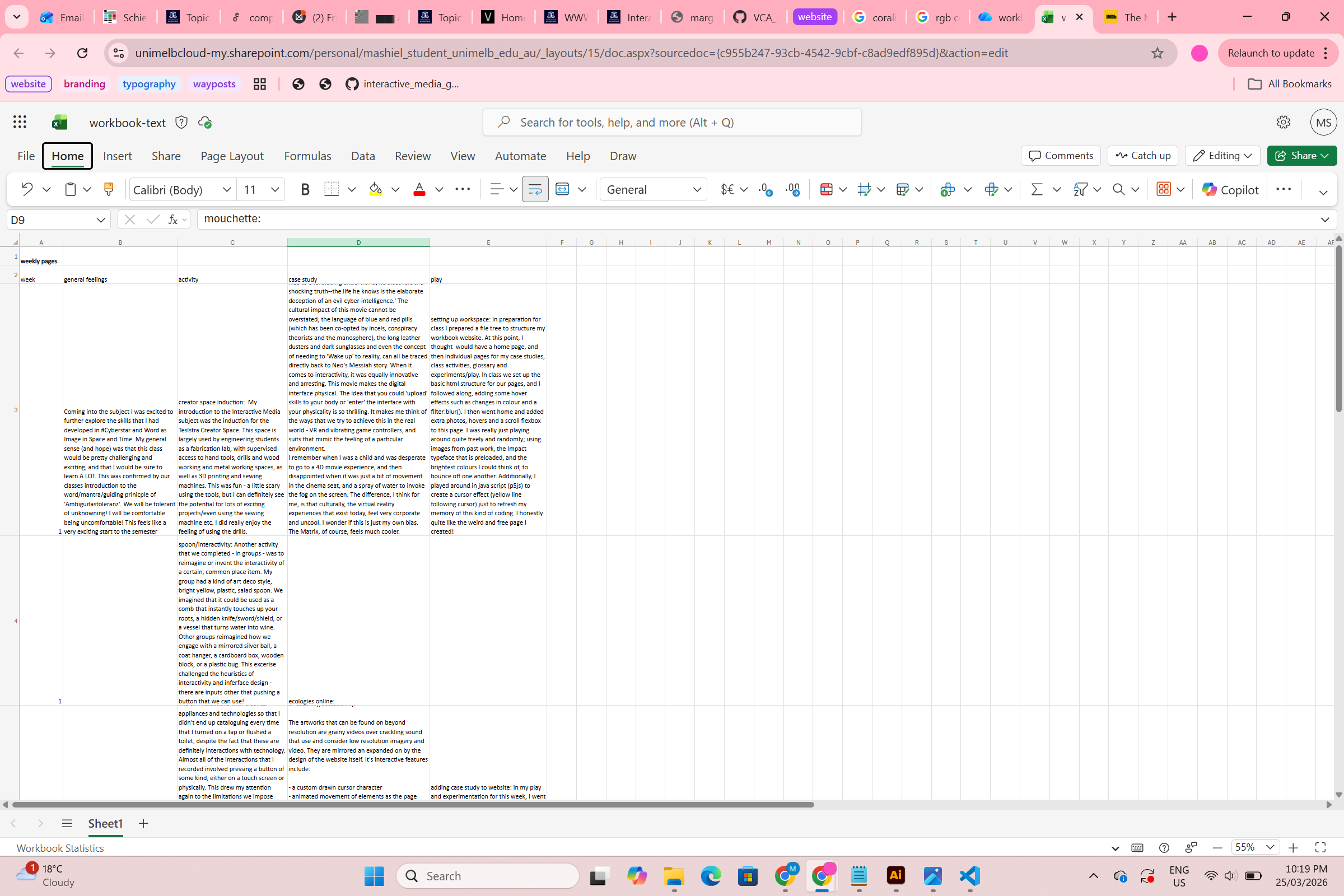
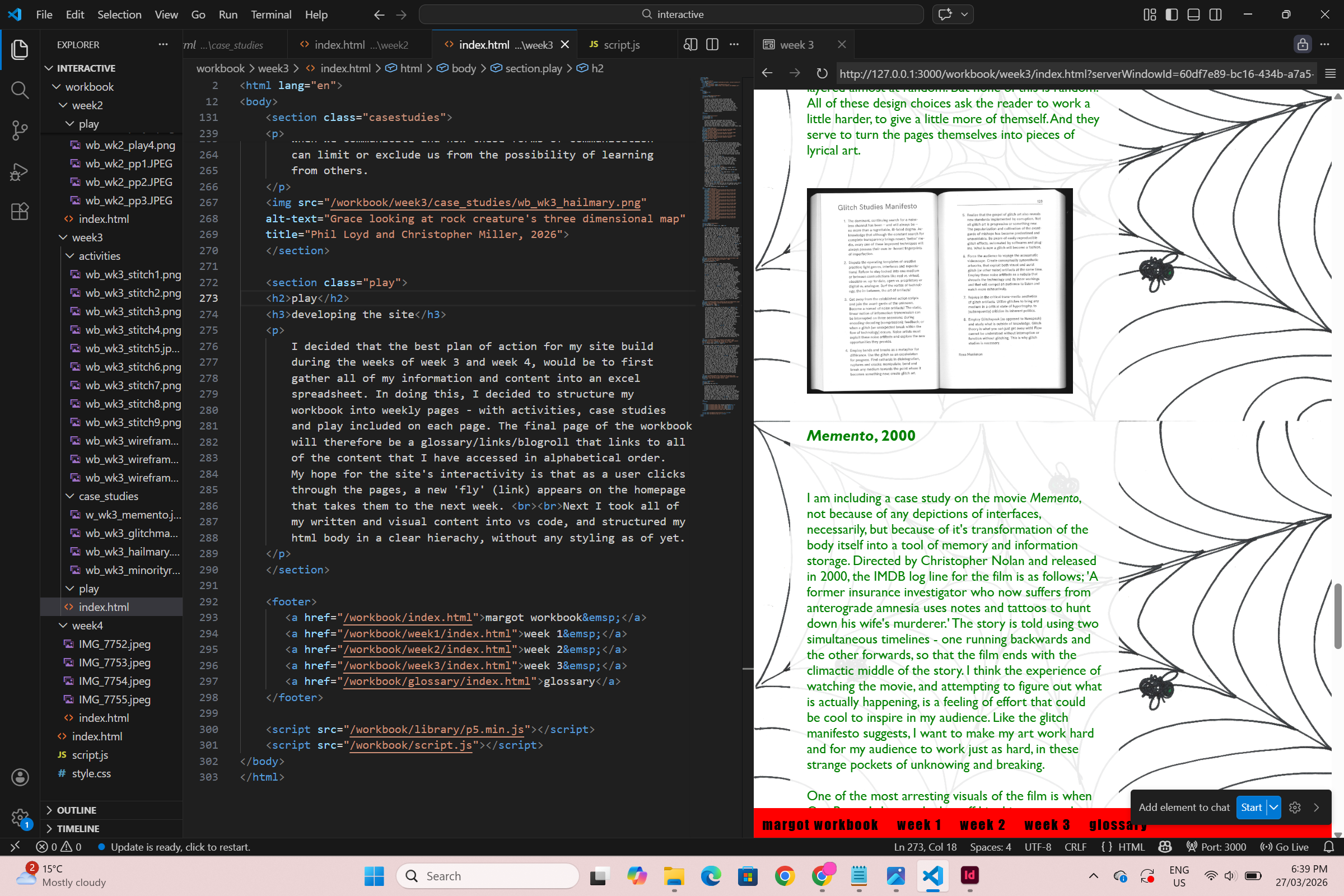
I decided that the best plan of action for my site build
during the weeks of week 3 and week 4, would be to first
gather all of my information and content into an excel
spreadsheet. In doing this, I decided to structure my
workbook into weekly pages - with activities, case studies
and play included on each page. The final page of the workbook
will therefore be a glossary/links/blogroll that links to all
of the content that I have accessed in alphabetical order.
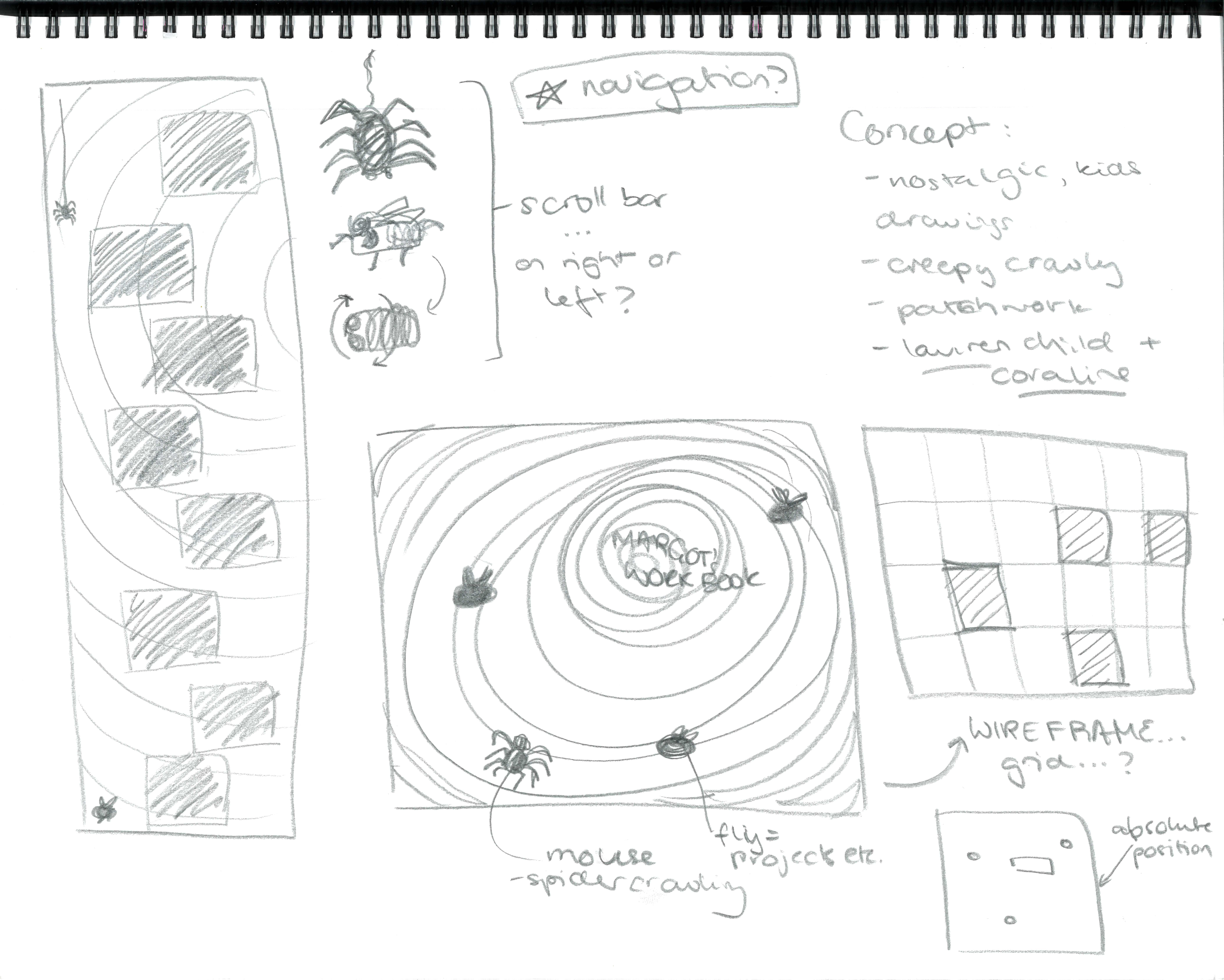
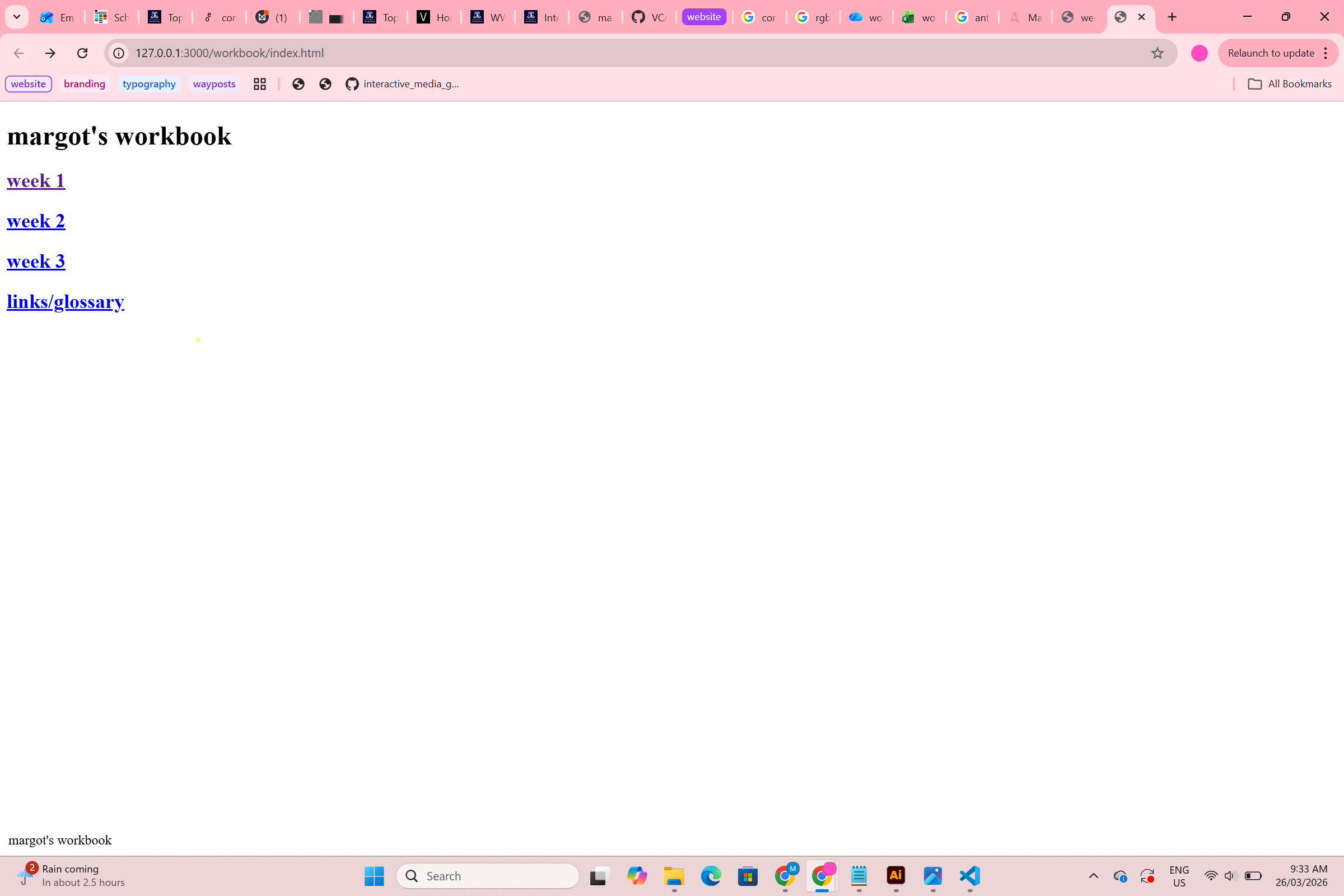
My hope for the site's interactivity is that as a user clicks
through the pages, a new 'fly' (link) appears on the homepage
that takes them to the next week.
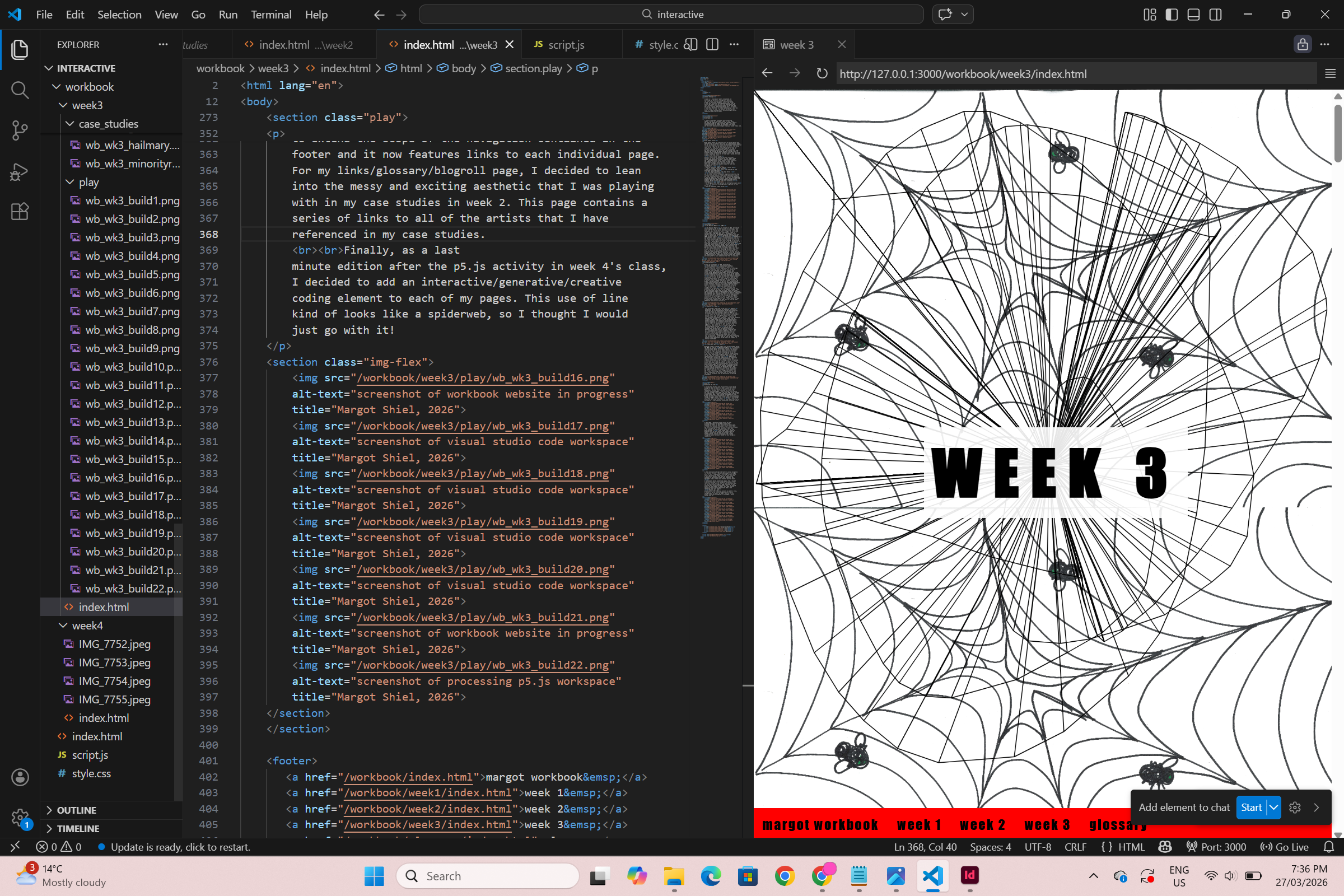
Next I took all of
my written and visual content into vs code, and structured my
html body in a clear hierachy, without any styling as of yet.
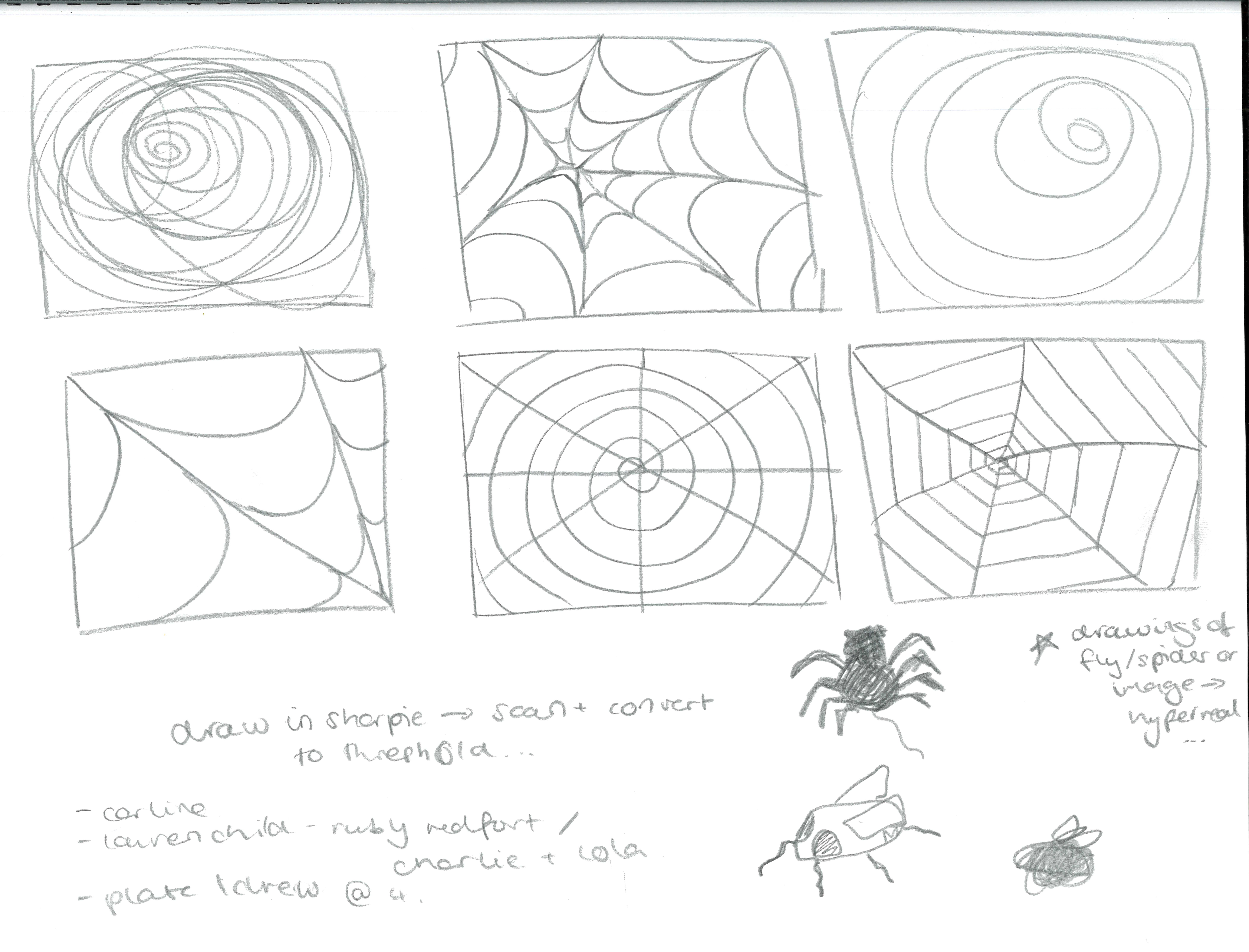
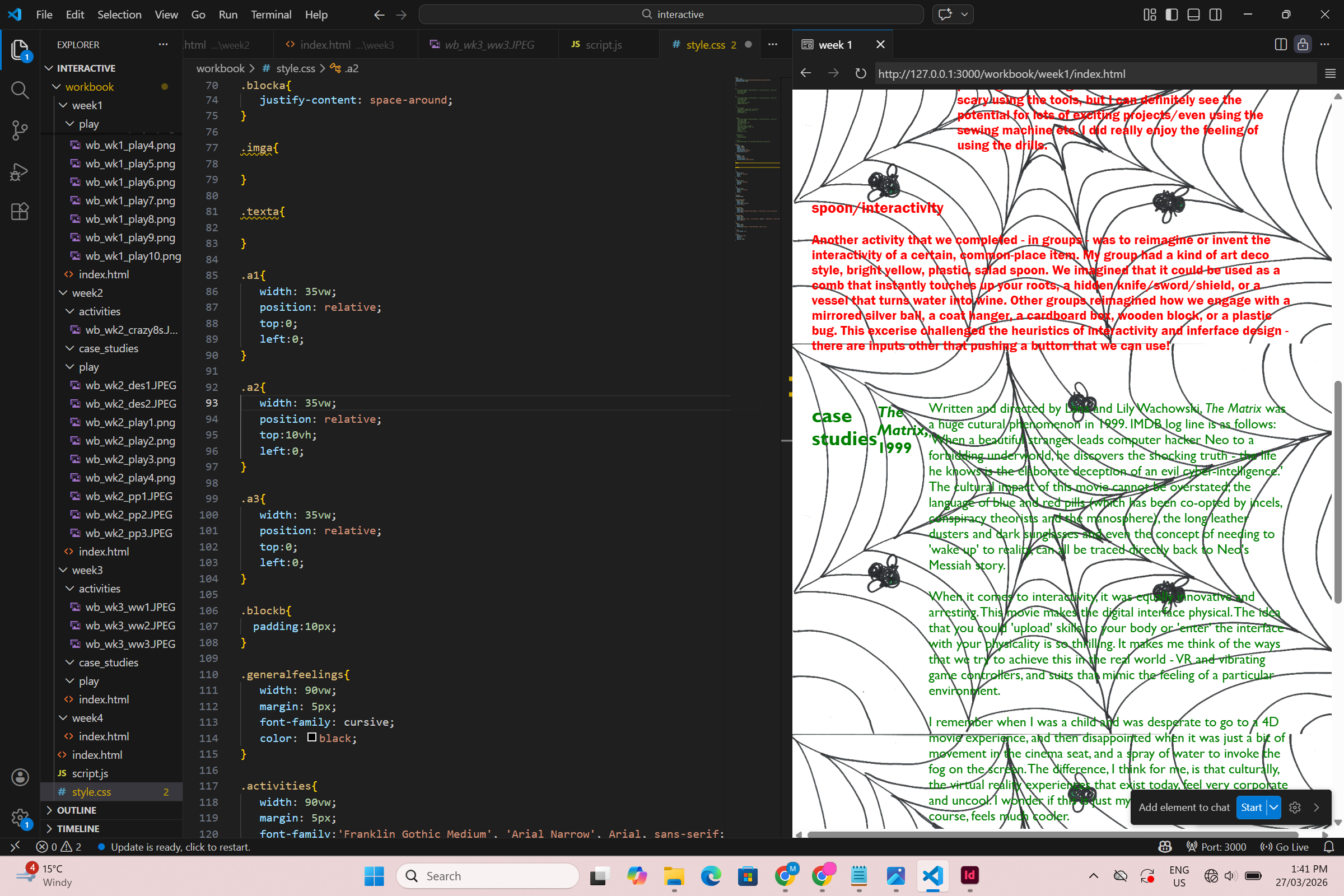
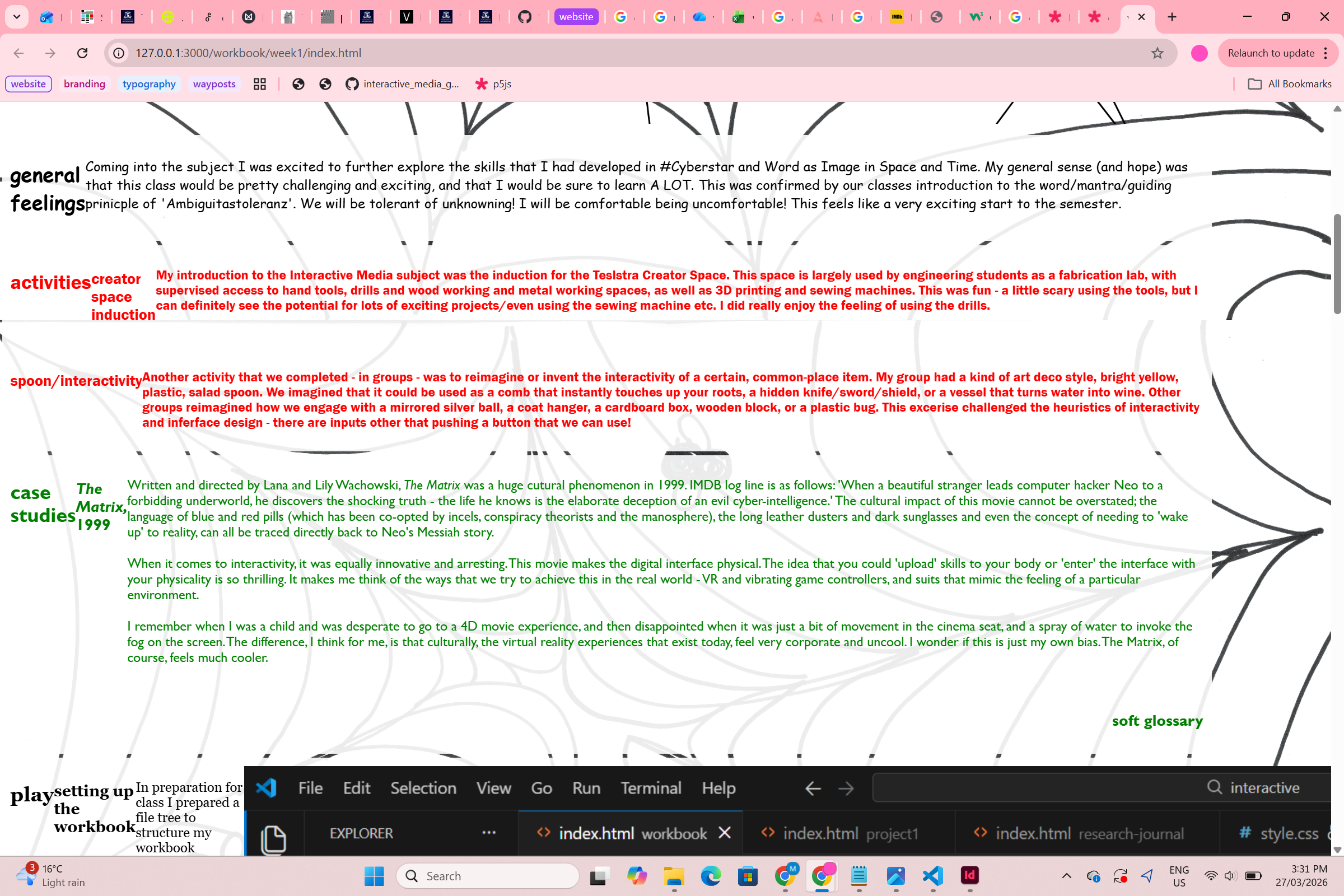
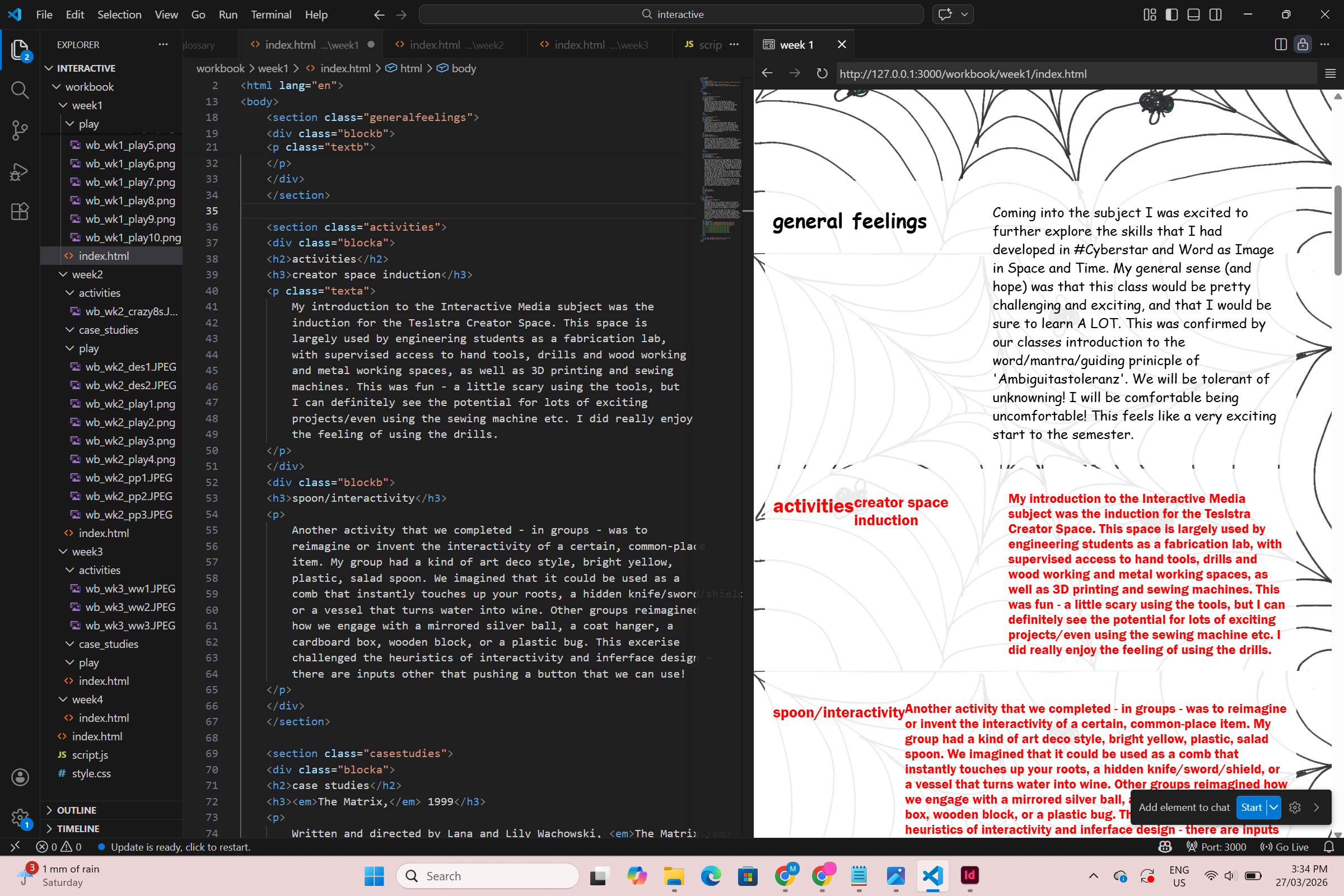
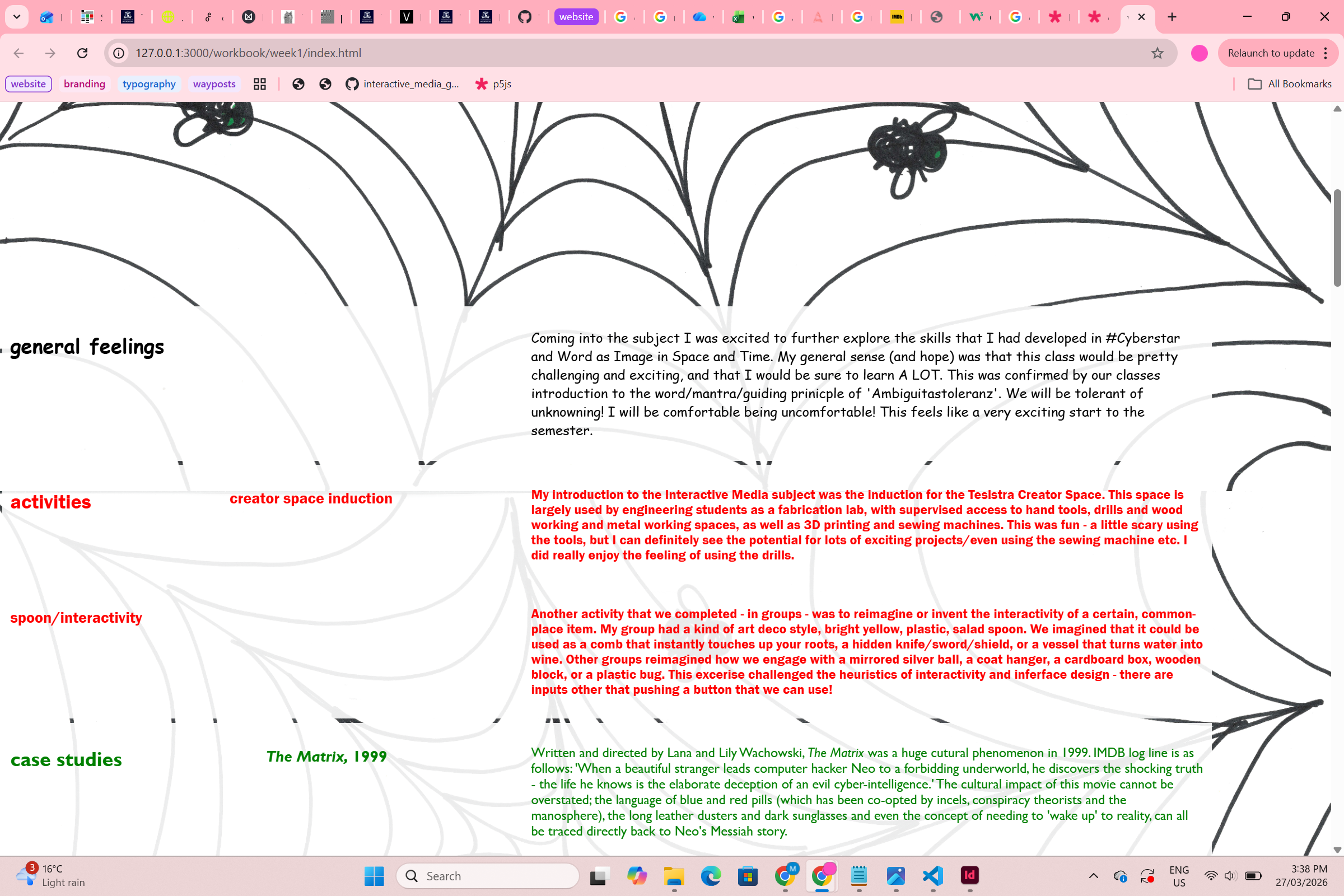
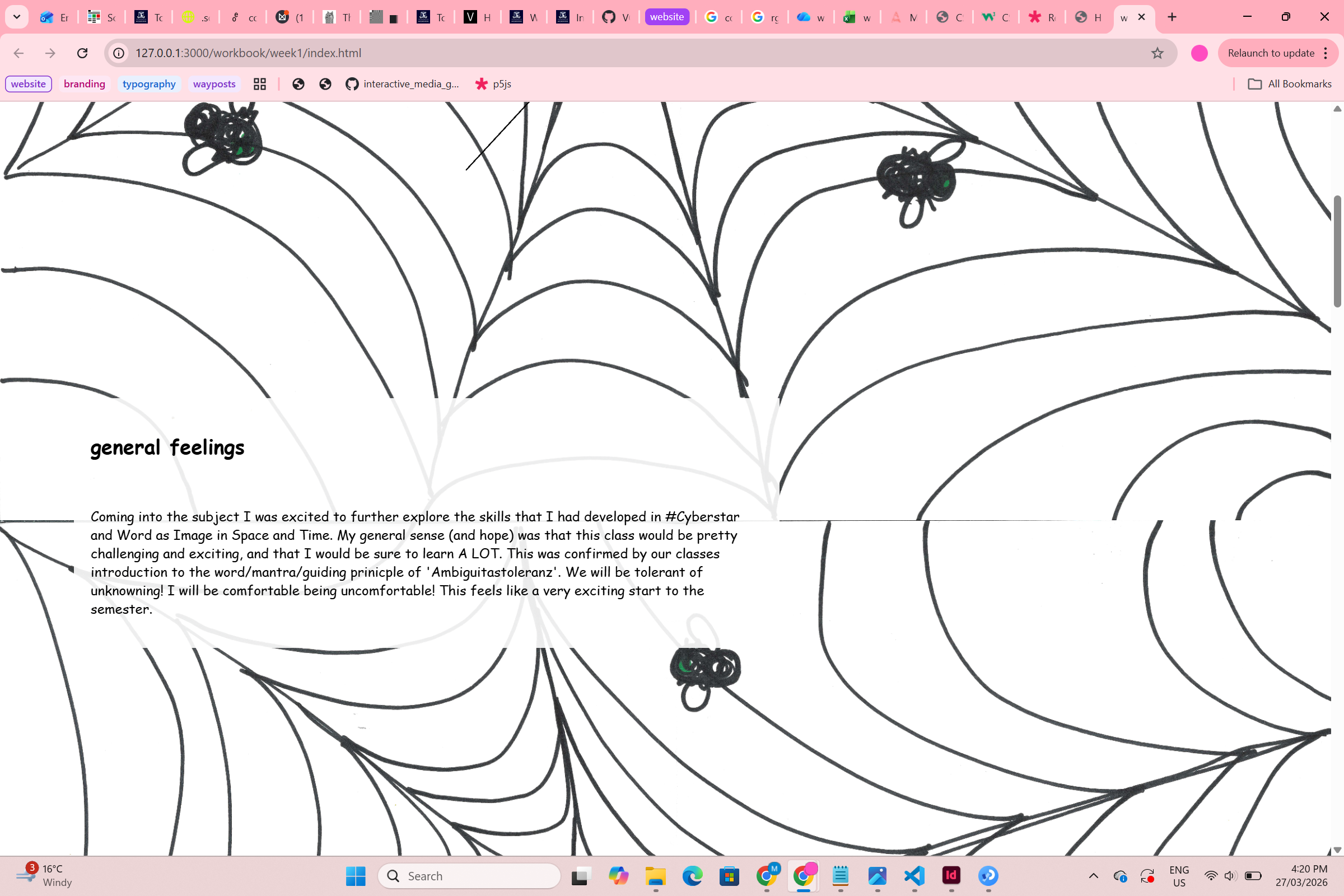
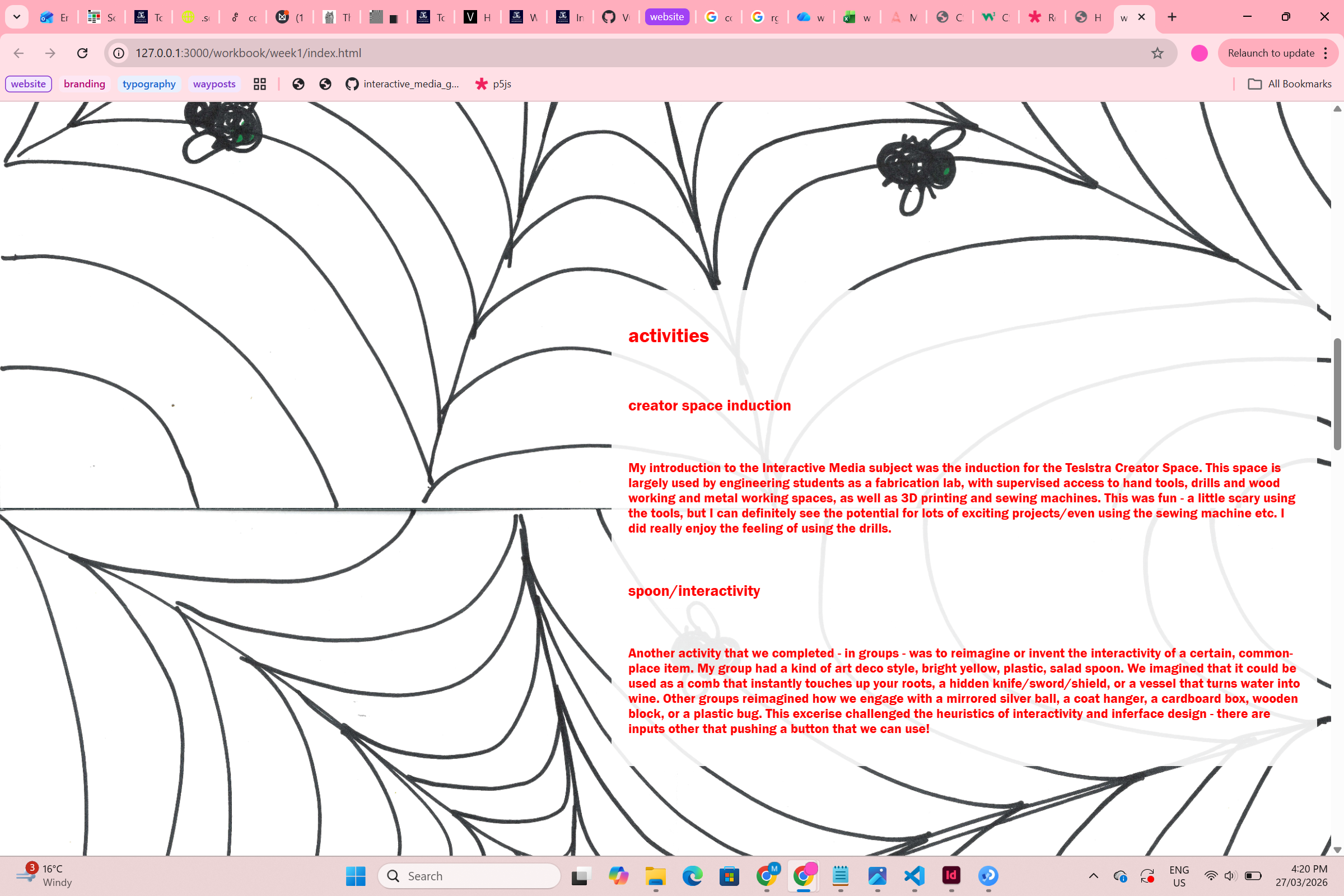
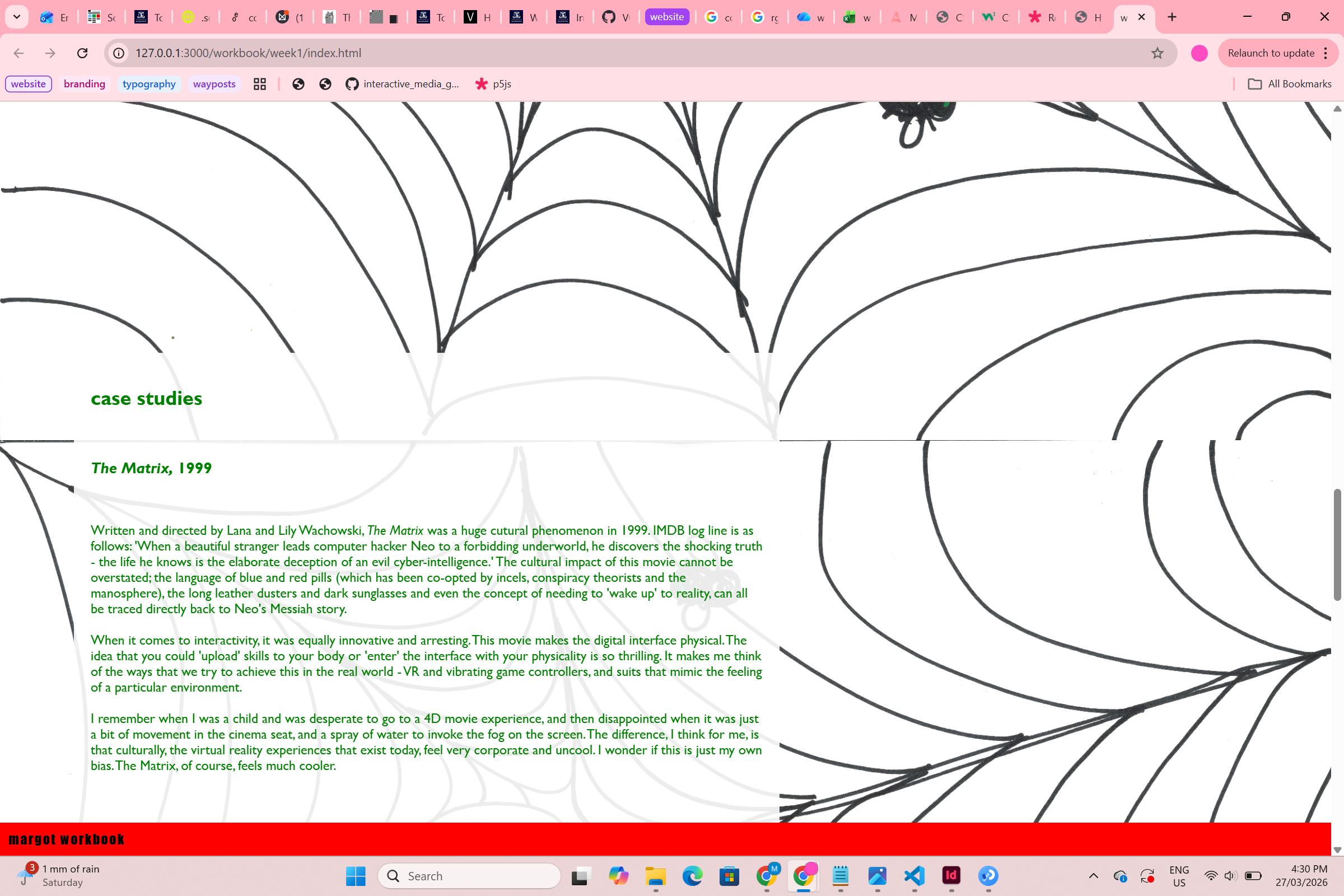
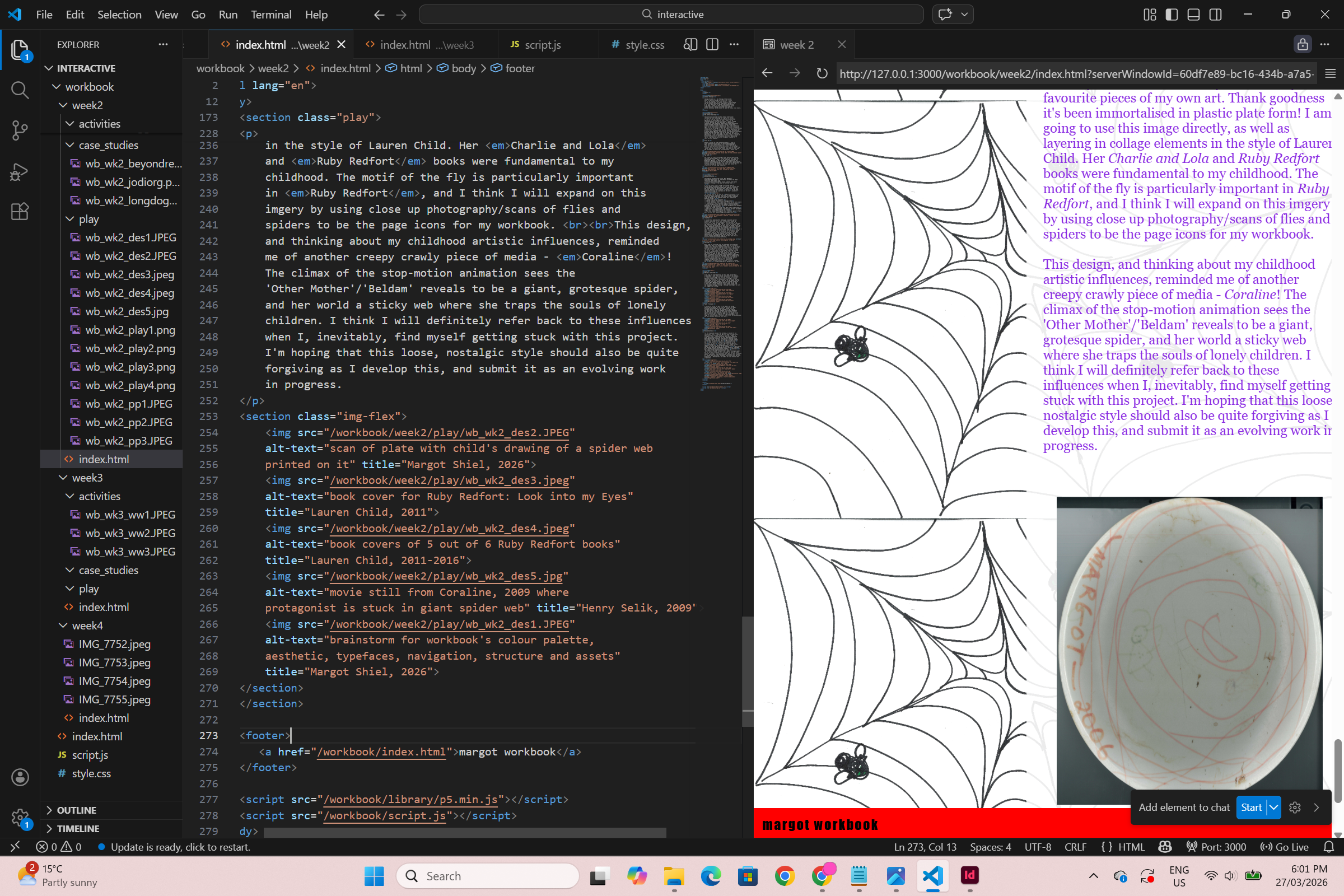
I then added a background image (one of my paper
prototype drawings) and decided to change the
typeface and colour for each section on my weekly pages.
I thought this would be funny and a kind of nice, loose
way to differentiate between sections. I used the preloaded
fonts, including my all time favourite - comic sans.
I was reminded of this font after playing in the long
doge challenge.
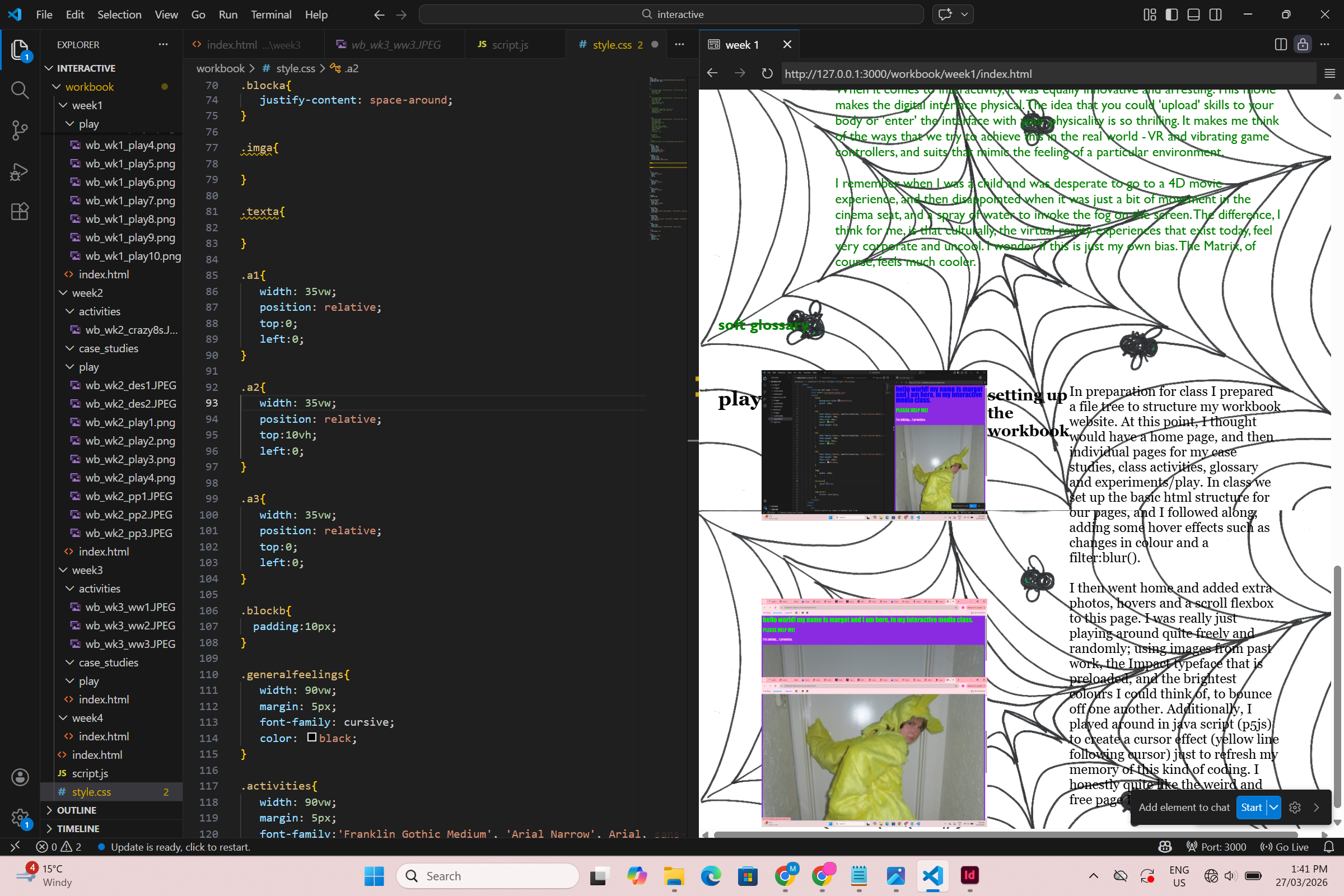
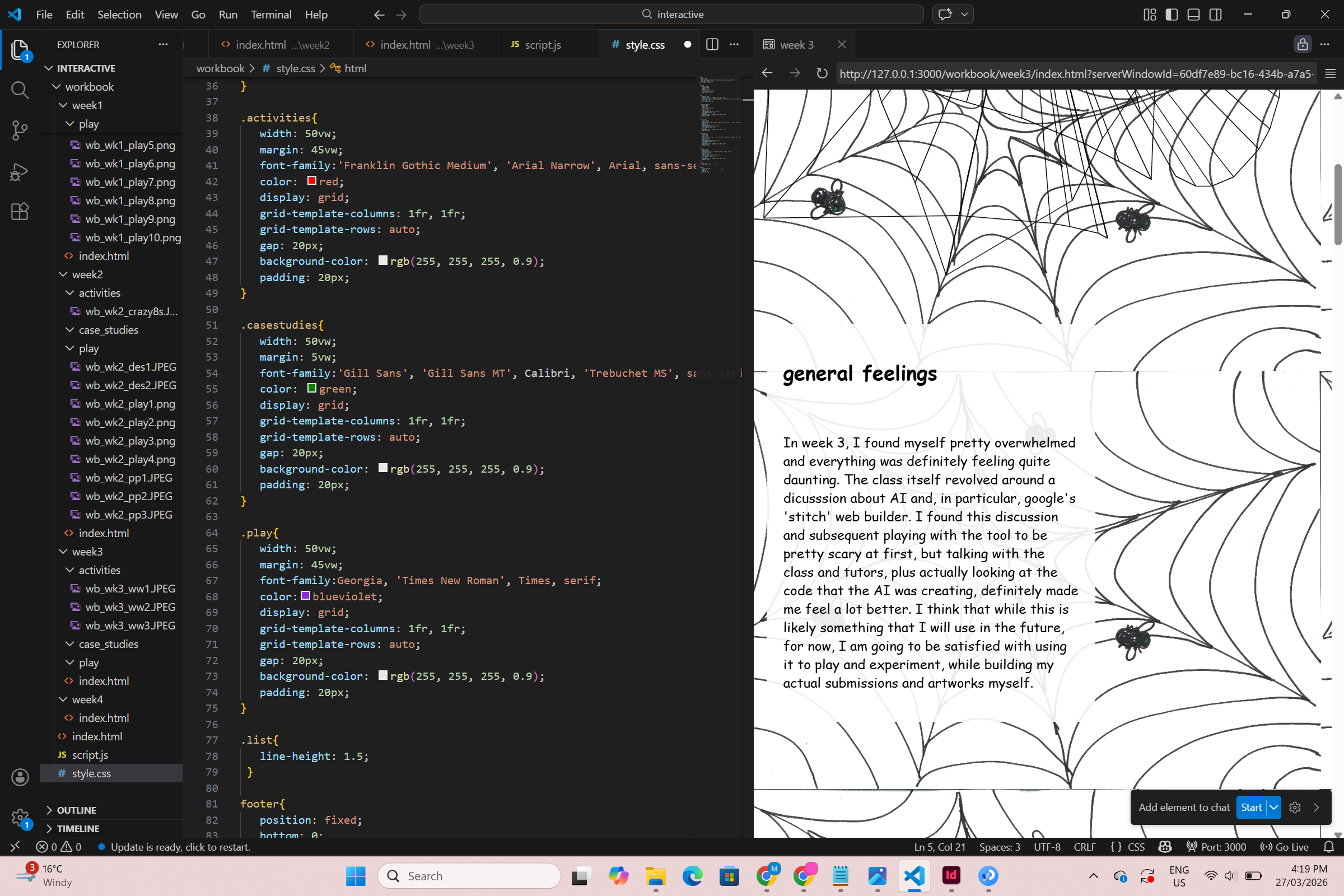
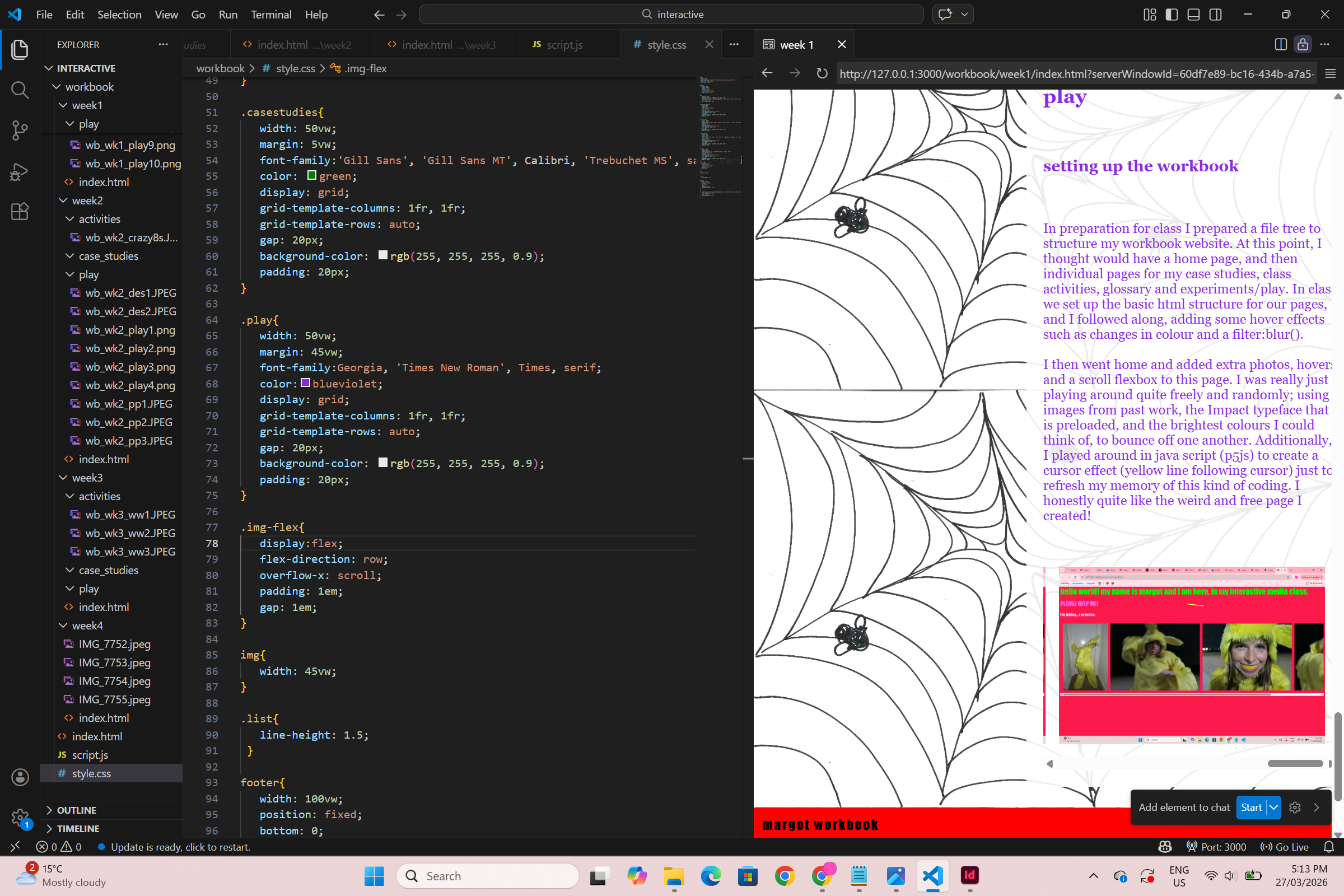
I then played with a couple of
different ways to style and sort my content (text and
images) - using first the flex box strategy, which
failed woefully, and then the display:grid. I added
transparent white containers behind the text to improve
readability.
I added and styled a bright red footer to act as navigation.
For sections in which I had multiple images for a single
block of text, I implememted a scrolling flex box system.
This is definitely an imperfect fix for this issue and
I am certainly going to come back and rethink a new
strategy for dealing with images more elegantly. But
this feels like a pretty solid starting point at least.
I continued to add my content and images, then I decided
to extend the scope of the navigation contained in the
footer and it now features links to each individual page.
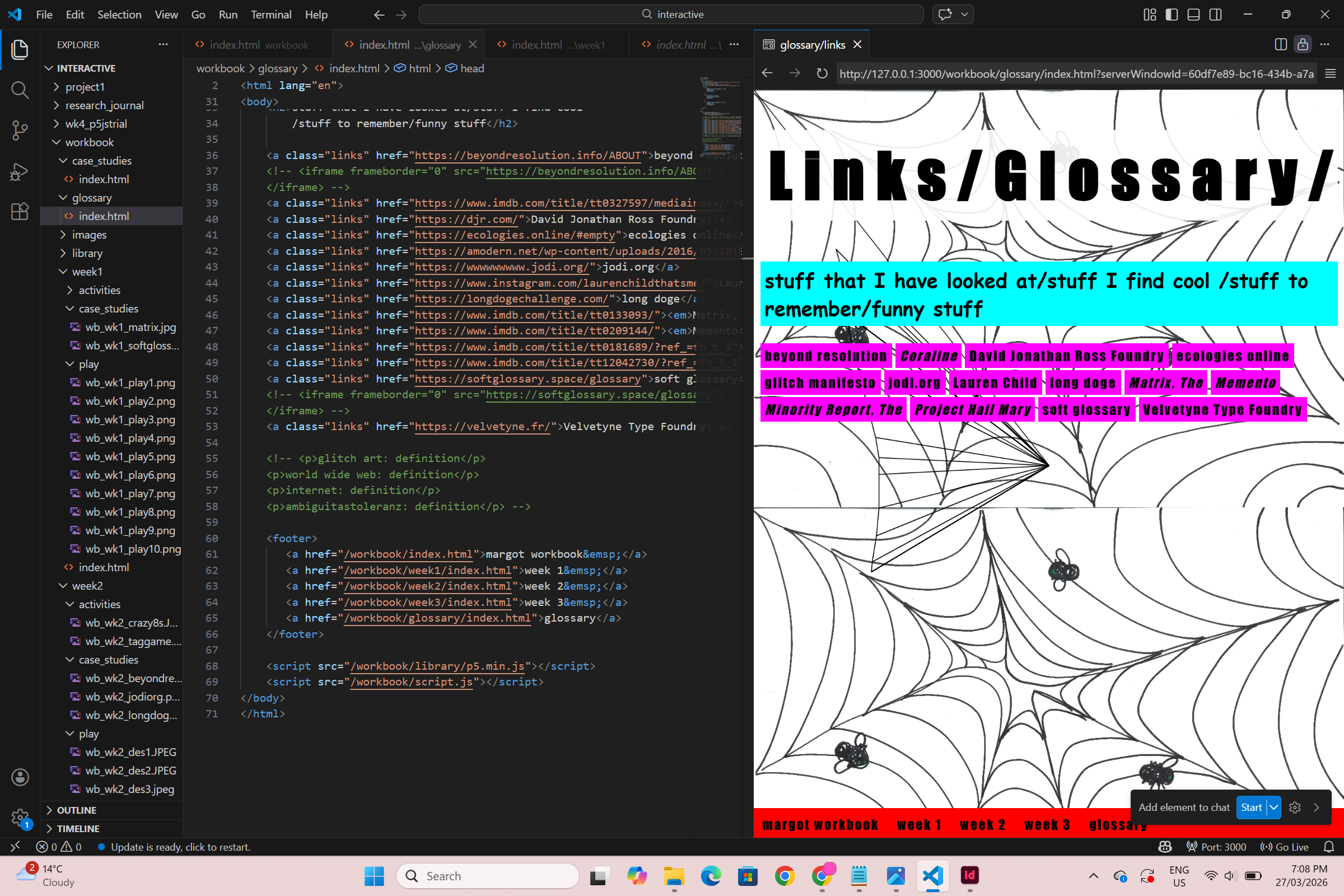
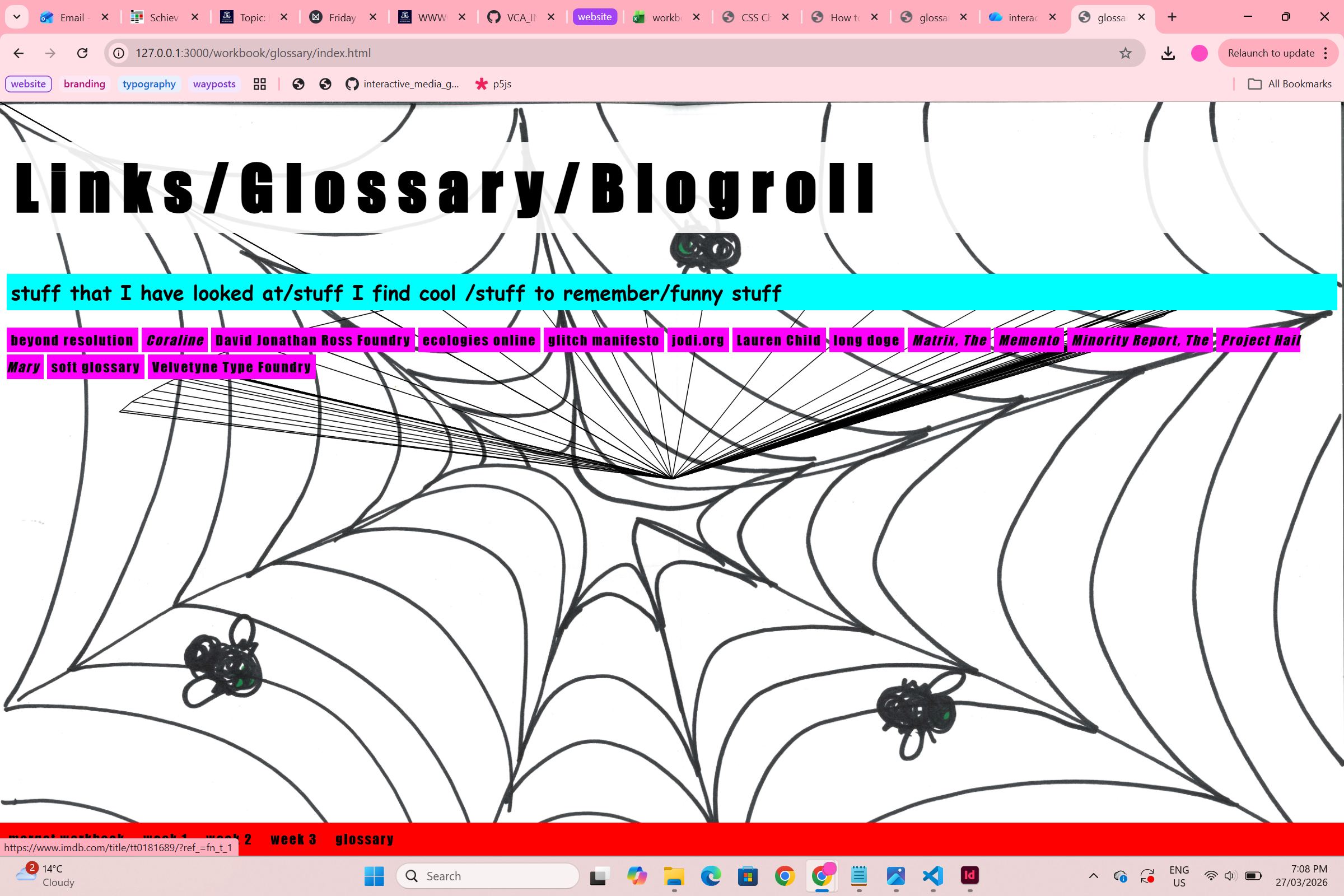
For my links/glossary/blogroll page, I decided to lean
into the messy and exciting aesthetic that I was playing
with in my case studies in week 2. This page contains a
series of links to all of the artists that I have
referenced in my case studies.
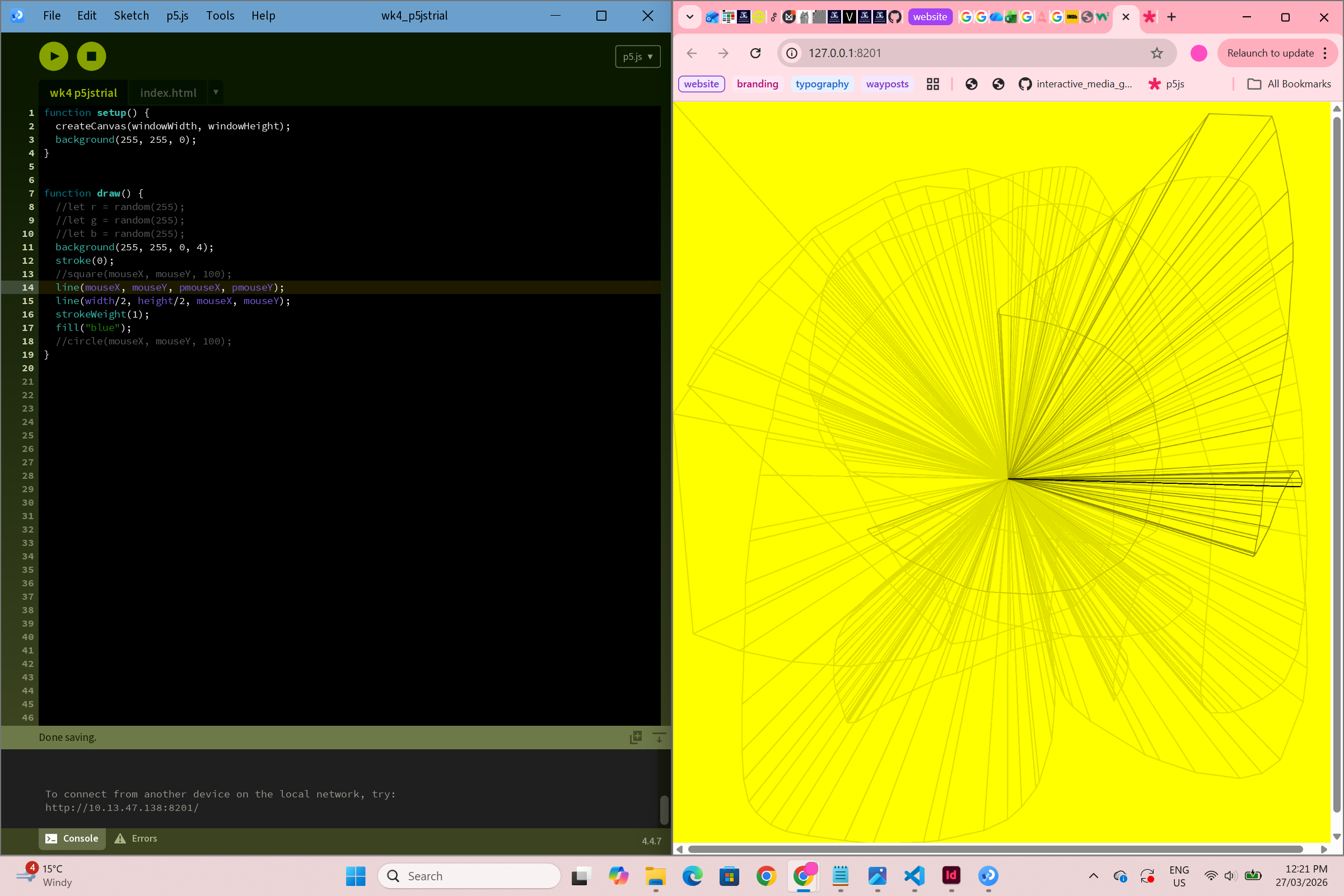
Finally, as a last
minute edition after the p5.js activity in week 4's class,
I decided to add an interactive/generative/creative
coding element to each of my pages. This use of line
kind of looks like a spiderweb, so I thought I would
just go with it!